How to integrate LionDesk with ClickFunnels
Here is how to integrate liondesk with clickfunnels
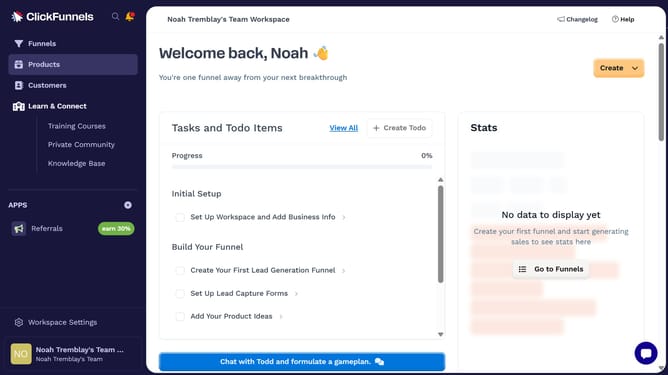
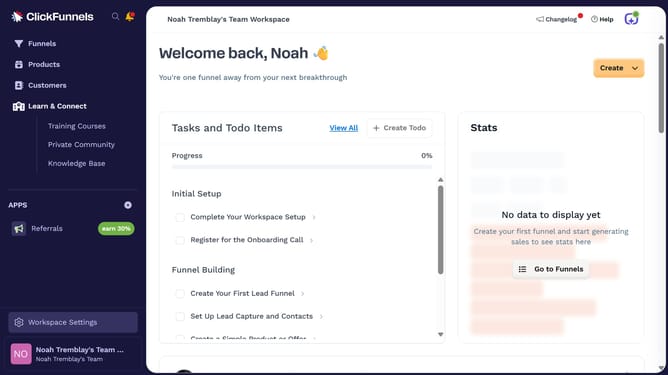
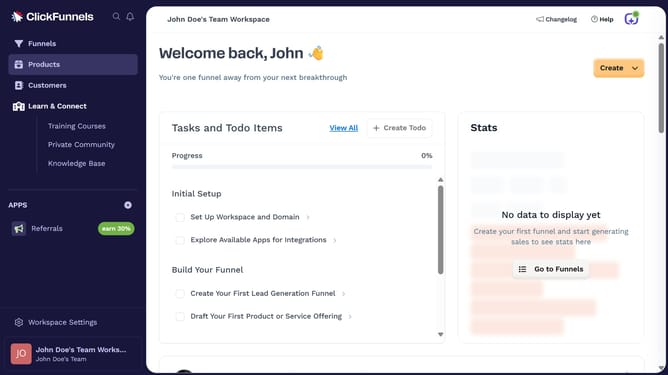
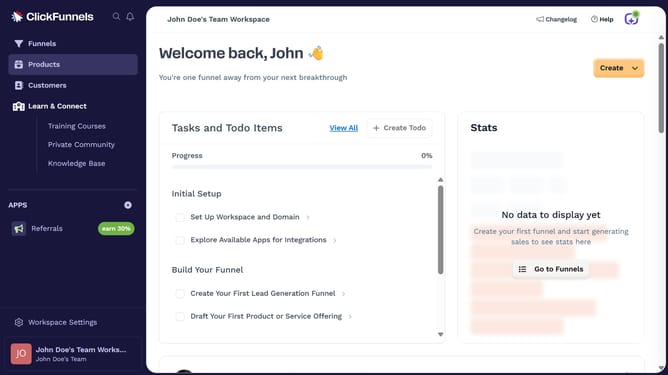
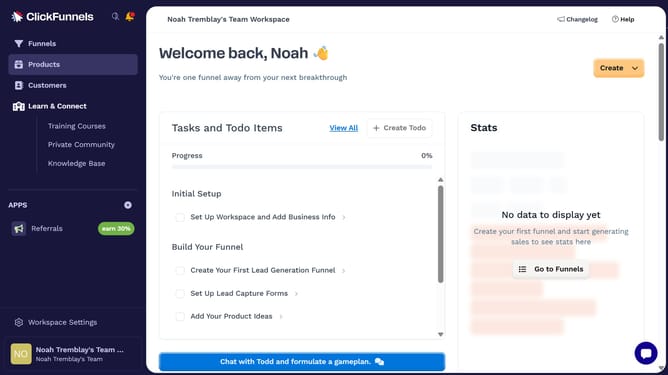
- First click on "Workspace Settings" button in the left sidebar
- Then click on "Integrations" menu item in the left sidebar under Workspace Settings
- Next click on the "LionDesk" integration card in the main content area
- Finally enter your LionDesk username and password in the connection form, then click "Login" to complete the integration
Why should you integrate LionDesk with ClickFunnels
ClickFunnels is a versatile tool designed to simplify the creation of sales funnels, guiding potential customers smoothly through the buying process.
Integrating LionDesk with ClickFunnels offers a synergy that enhances customer relationship management seamlessly within your funnel strategy.
By linking these platforms, you can efficiently manage leads, automate communications, and track interactions without interrupting the sales flow.
Ultimately, this integration can elevate your marketing efforts, resulting in more conversions and improved customer engagement.
Last update