How to update a product SKU in ClickFunnels
Here is how to update a product sku in clickfunnels
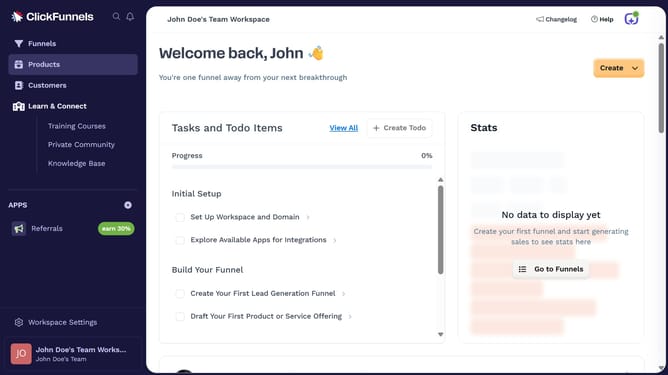
- First click on "Products" in the left sidebar menu
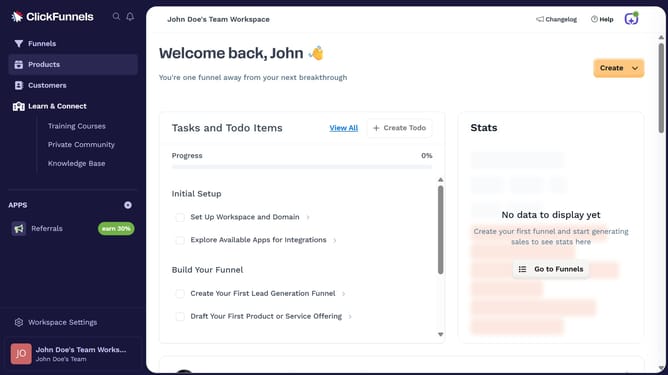
- Then click on "All Products" in the Products submenu
- Next select the product whose SKU you want to update
- Then click in the "SKU" input field and edit the SKU as needed
- Finally click on "Update Product" button in the top right corner
Why should you update a product SKU in ClickFunnels
ClickFunnels is a dynamic digital tool designed to streamline sales processes by creating impactful sales funnels.
Updating a product SKU in ClickFunnels is remarkably straightforward, further simplifying your e-commerce management tasks.
This feature empowers businesses to better organize and track products, ensuring every SKU accurately reflects its inventory status.
By keeping your product SKUs updated, you enhance operational efficiency, minimize errors, and provide a smoother purchasing experience for your customers.
Last update