How to integrate Mailchimp with ClickFunnels
Here is how to integrate mailchimp with clickfunnels
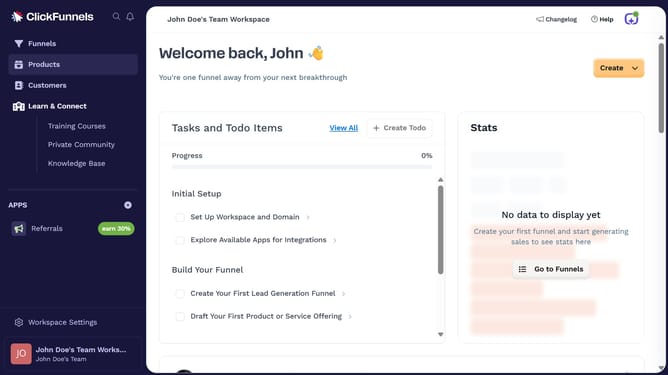
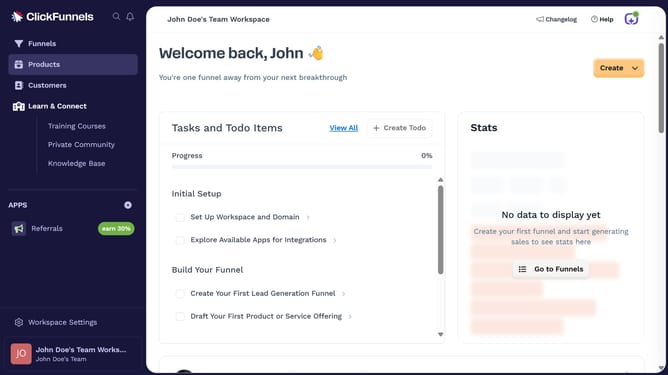
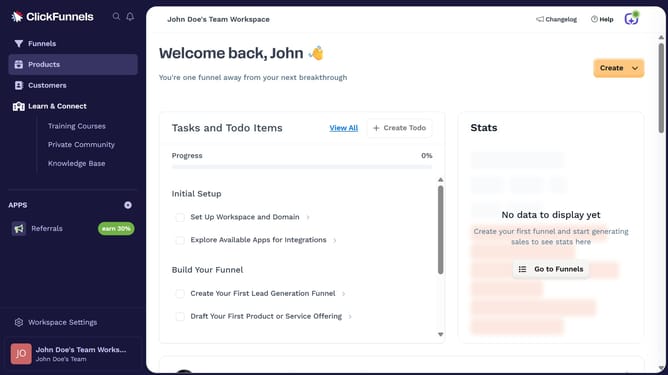
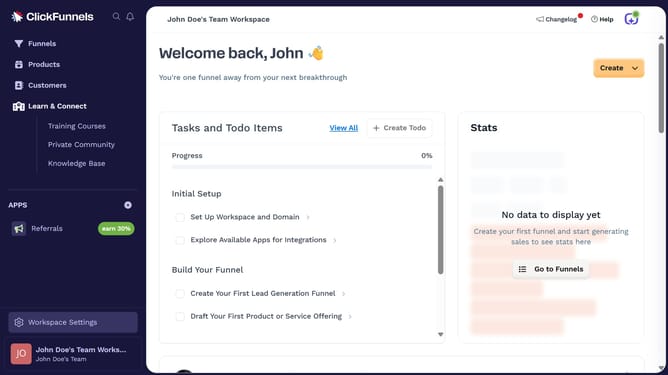
- First click on "Workspace Settings" button in the left sidebar
- Then click on "Integrations" menu item in the left sidebar
- Next click on "Mailchimp" integration card in the main content area
- Finally sign in using your Mailchimp username or choose to sign in with Google in the connection form to complete the integration
Why should you integrate Mailchimp with ClickFunnels
ClickFunnels is a powerful tool designed to create and optimize marketing funnels for better sales conversion.
Integrating Mailchimp with ClickFunnels allows for seamless email marketing automation, adding more value to your marketing strategy. This integration enables businesses to efficiently manage and segment leads while ensuring personalized communication with prospects.
By harnessing the capabilities of both platforms, users can track customer journeys more effectively and ultimately enhance customer engagement and retention.
Last update