How to integrate Omnisend with ClickFunnels
Here is how to integrate omnisend with clickfunnels
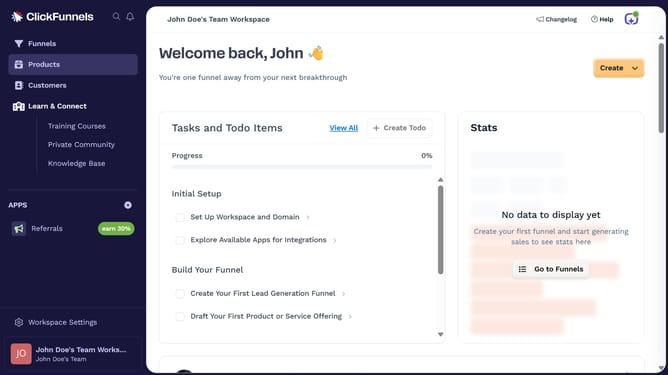
- First click on "Workspace Settings" in the left sidebar
- Then click on "Integrations" in the left sidebar menu
- Next click on the "Omnisend" integration card in the main content area
- Finally enter your Omnisend API key in the connection form, then click "Proceed" to complete the integration
Why should you integrate Omnisend with ClickFunnels
ClickFunnels is a powerful tool designed to create sales funnels that convert website visitors into loyal customers.
Integrating Omnisend with ClickFunnels allows for a seamless marketing experience by enhancing communication with your audience through automation. This integration connects ClickFunnels’ intuitive funnel-building capabilities with Omnisend’s powerful email marketing features.
This synergy maximizes engagement by automating follow-up sequences, managing customer data effortlessly, and driving higher conversion rates. Use this integration to streamline campaigns and digital marketing tasks efficiently, reinforcing your brand’s presence and impact.
Last update