How to bulk update products in ClickFunnels
Here is how to bulk update products in clickfunnels
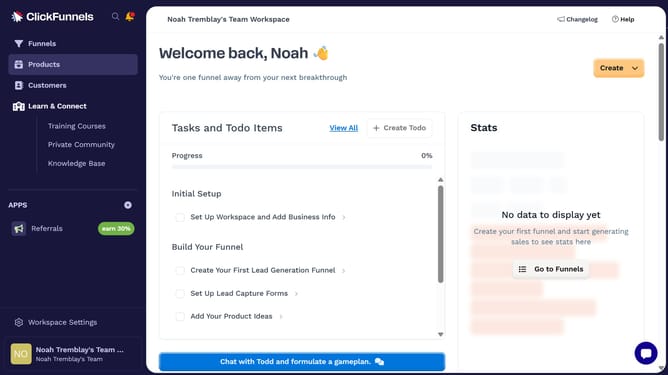
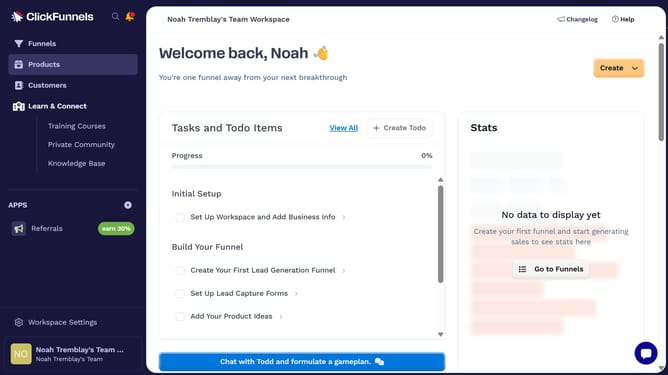
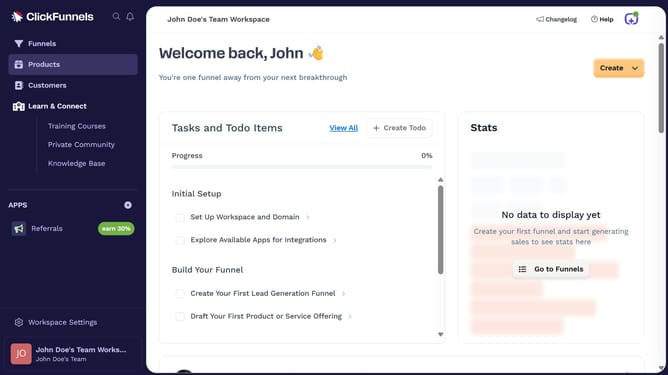
- First click on "Products" in the left sidebar to expand the products menu
- Then click on "All Products" option in the expanded products submenu
- Then check the boxes beside the products you want to update
- Then click on the "Bulk actions" dropdown button to view available bulk actions
- Next choose the option you want to update from the bulk actions dropdown menu
- Then make the desired changes in the bulk update modal dialog
- Finally click on the "Save" button to apply the changes to all selected products
Why should you bulk update products in ClickFunnels
ClickFunnels is a powerful tool designed to streamline the creation of high-converting sales funnels.
The bulk update feature for products in ClickFunnels allows for swift and efficient management of multiple product details simultaneously. This capability is essential for users looking to save time and reduce the complexity associated with handling numerous products.
By using this feature, businesses can enhance their operational efficiency, ensuring that all product information remains accurate and consistent across their funnels, leading to a smoother user experience and potentially higher conversion rates.
Last update