How to integrate Zendesk with ClickFunnels
Here is how to integrate zendesk with clickfunnels
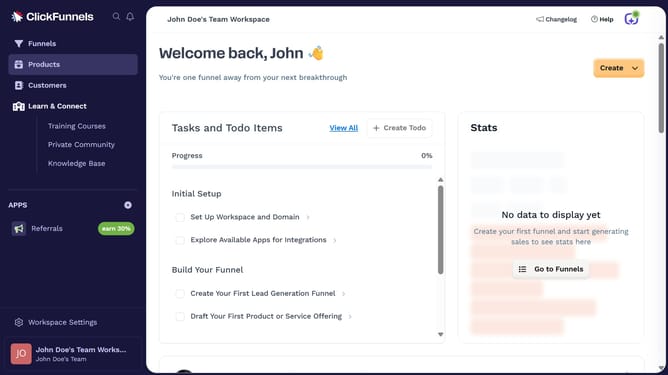
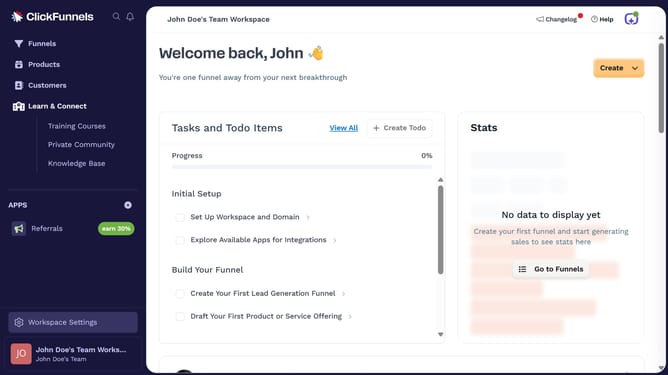
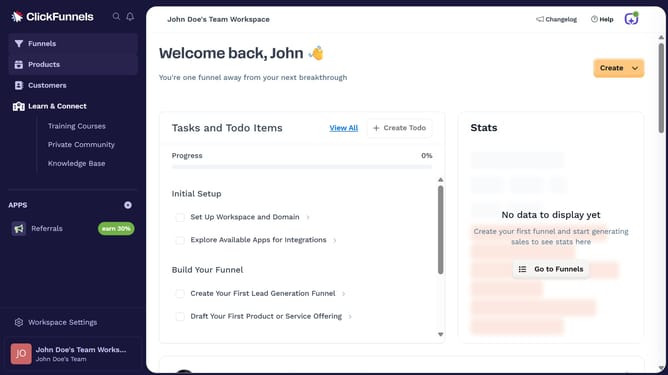
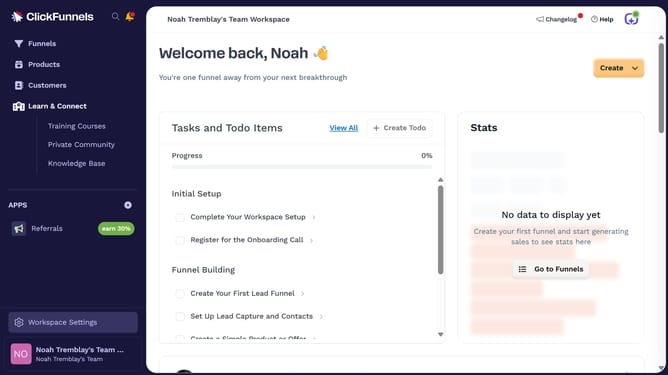
- First click on "Workspace Settings" in the left sidebar
- Then click on "Integrations" in the left sidebar menu
- Next click on the "Zendesk" integration card in the main content area
- Finally enter your Zendesk URL, username, and password in the connection form, then click "Proceed" to complete the integration
Why should you integrate Zendesk with ClickFunnels
ClickFunnels is an innovative platform designed to simplify the creation of sales funnels for seamless lead conversion.
Integrating Zendesk with ClickFunnels enhances your customer support by streamlining communication within your sales process.
With this powerful integration, customer queries and support tickets can be managed more efficiently, ensuring a smooth transition from inquiry to sale.
This synergy not only boosts customer satisfaction but also reinforces customer trust and loyalty by intertwining support and sales efforts effortlessly.
Last update