How to sort ClickFunnels domains by name Z–A
Here is how to sort clickfunnels domains by name z–a
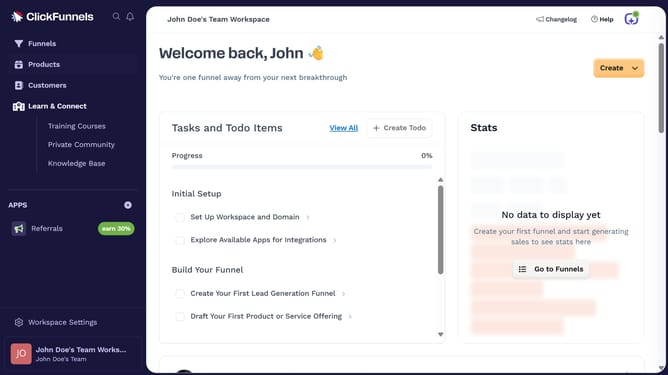
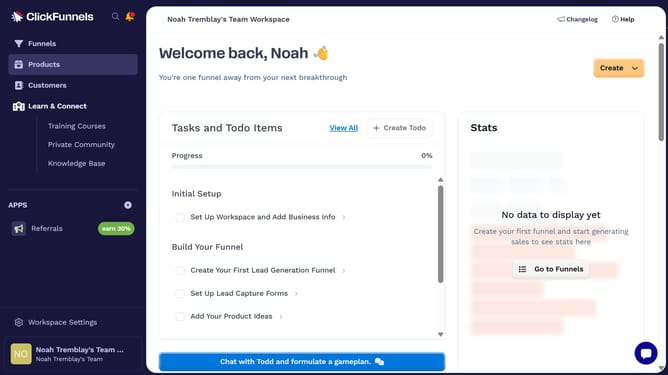
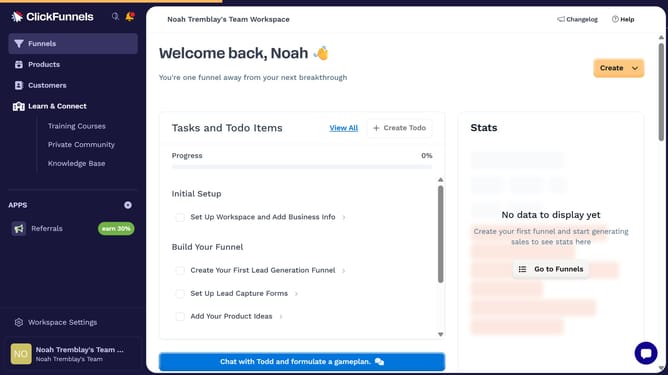
- First click on "Workspace Settings" button in the left sidebar
- Then click on "Domains" option in the left sidebar menu
- Next click on "Sort by" dropdown button in the top right area of the domains table
- Finally select "Name (Z-A)" option from the sort dropdown menu
Why should you sort ClickFunnels domains by name Z–A
ClickFunnels is a powerful tool designed to simplify the process of building and managing effective sales funnels.
The feature to sort ClickFunnels domains by name in reverse alphabetical order (Z–A) enhances user control and organization. This functionality is especially beneficial for users managing numerous domains, allowing quick and efficient access to specific names without scrolling extensively.
By arranging domains Z–A, users can effortlessly locate recent or preferred entries positioned at the top, improving the overall operational workflow. As a result, this sorting capability boosts productivity, ensuring users spend less time searching and more time optimizing their funnels.
Last update