How to update column preferences in ClickFunnels
Here is how to update column preferences in clickfunnels
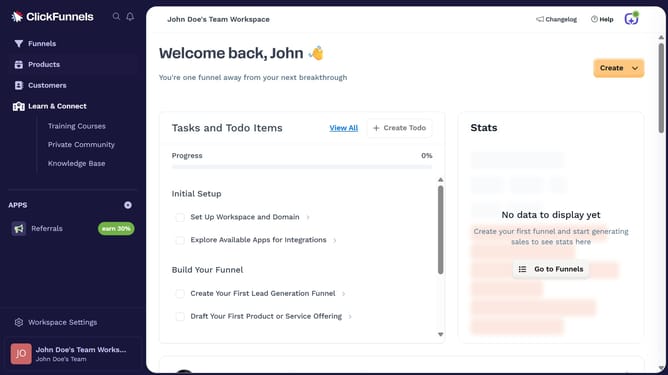
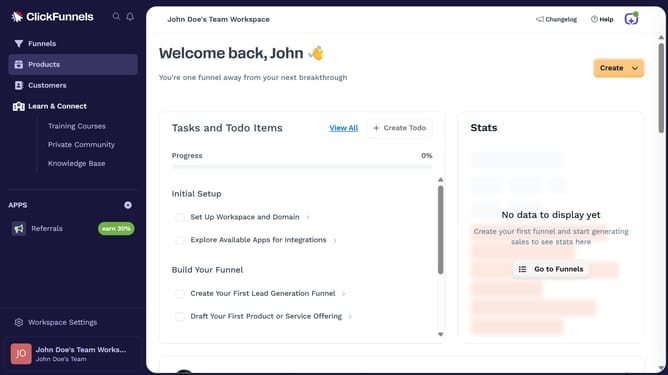
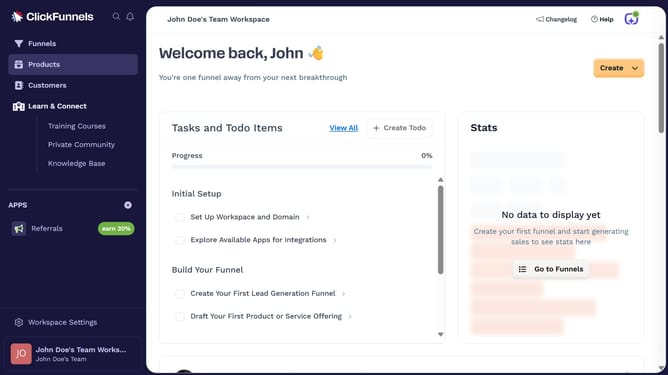
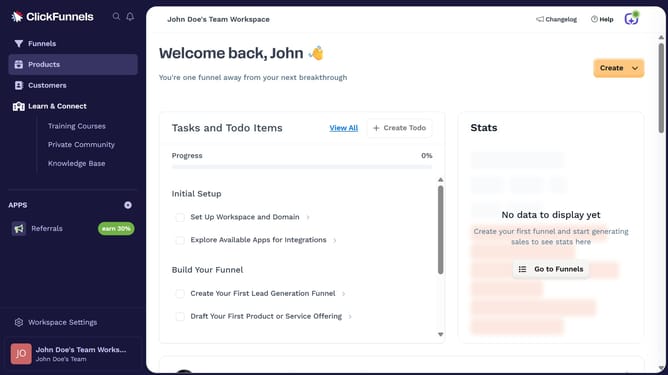
- First click on the "Funnels" item in the left sidebar navigation menu
- Then click on the "Modify columns" button in the top-right corner of the funnel table
- Finally choose which columns to show or hide by checking or unchecking the options in the dropdown menu
Why should you update column preferences in ClickFunnels
ClickFunnels is a versatile platform designed to streamline the creation of effective sales funnels for businesses of all sizes.
One key feature is the ability to update column preferences, allowing users to tailor their dashboard environment to better suit their specific needs. This feature ensures efficient data access, enabling users to swiftly locate essential information without unnecessary clutter.
By customizing column preferences, users benefit from a more organized workspace, enhancing productivity and focus, which ultimately contributes to the success of their marketing efforts.
Last update