How to show Type column in product view in ClickFunnels
Here is how to show type column in product view in clickfunnels
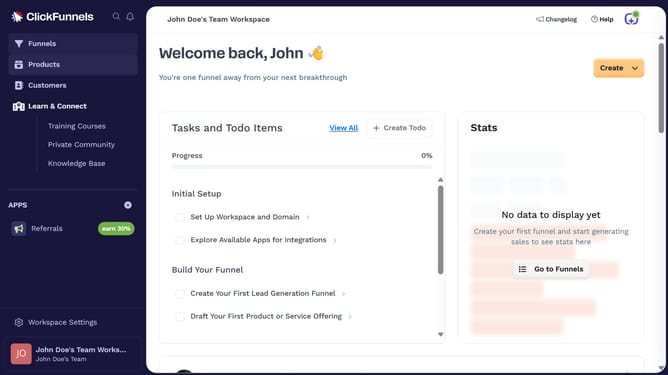
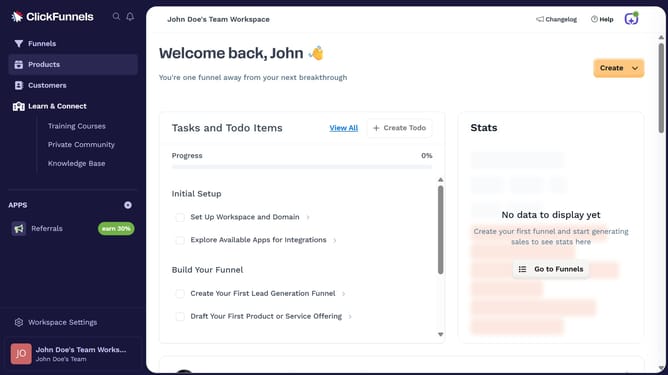
- First click on "Products" in the left sidebar to expand the products menu
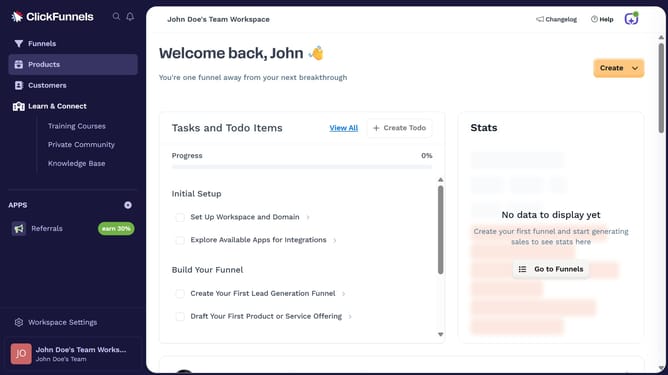
- Then click on "All Products" submenu item in the left sidebar
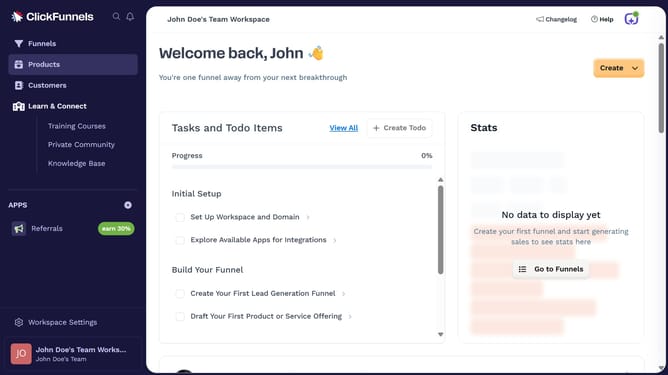
- Next click on "Modify columns" button in the top right corner of the products table
- Finally check the "Type" checkbox in the column visibility dropdown menu to show it
Why should you show Type column in product view in ClickFunnels
ClickFunnels is a powerful tool designed to help businesses create and manage effective sales funnels with ease.
In ClickFunnels, the ability to show the 'Type' column in product view offers an insightful glance at product categorization, enhancing your organizational capabilities.
By displaying this column, users can quickly identify and differentiate product types, streamlining inventory management.
This feature not only boosts efficiency but also ensures a more structured approach to overseeing product listings, thereby improving workflow and decision-making.
Last update