How to organize products by name in ClickFunnels
Here is how to organize products by name in clickfunnels
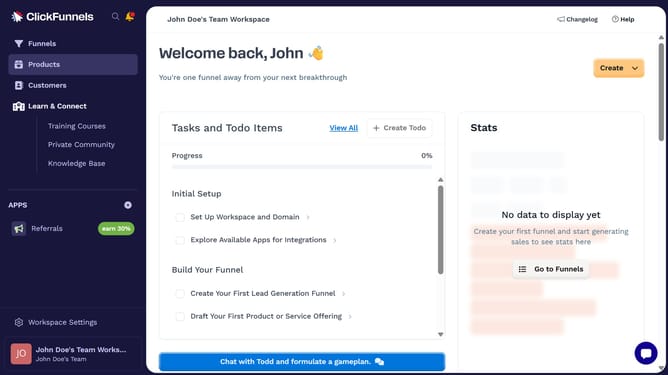
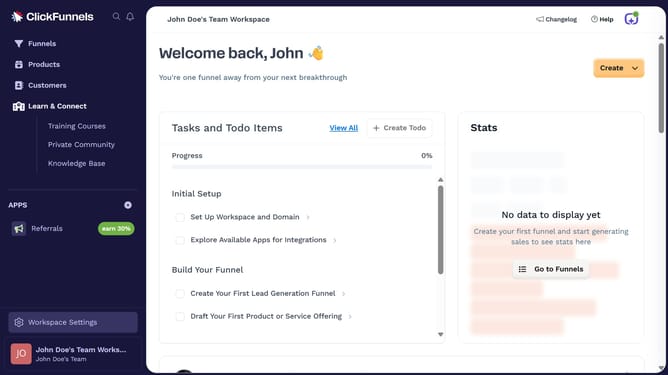
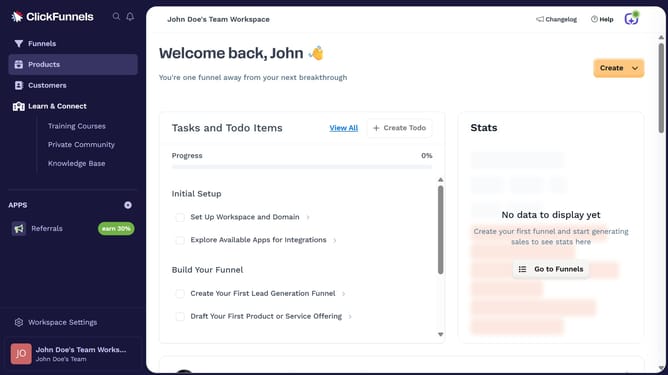
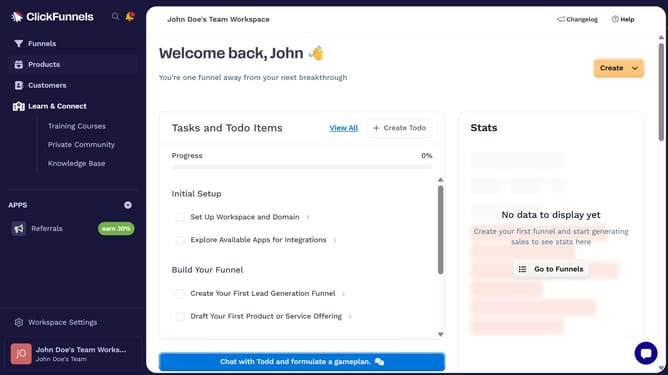
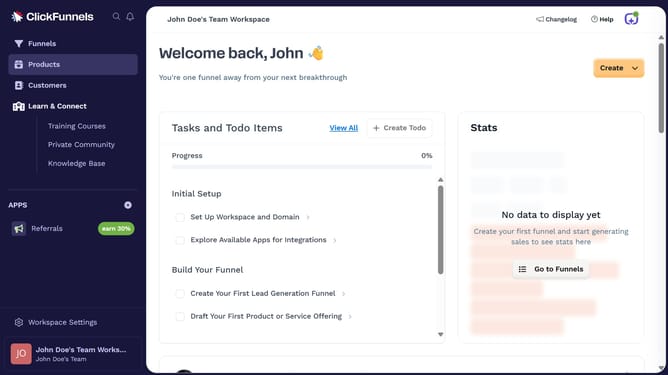
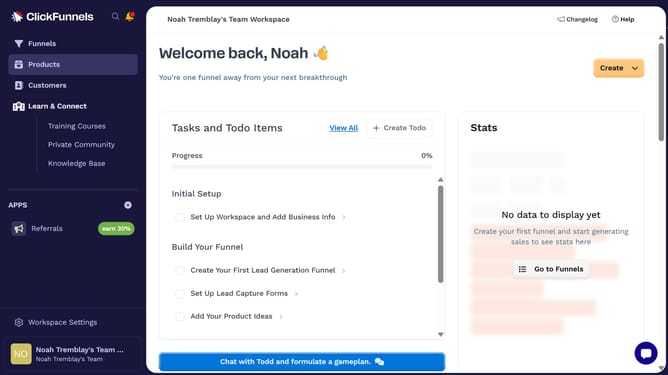
- First click on "Products" in the left sidebar to expand the products menu
- Then click on "All Products" submenu item in the left sidebar
- Next click on the "Sort by" dropdown button in the top right area of the products table
- Finally select either "Product name (A-Z)" or "Product name (Z-A)" from the sort by dropdown menu
Why should you organize products by name in ClickFunnels
ClickFunnels is a dynamic platform designed to help entrepreneurs easily create and manage their online sales funnels.
One handy feature in ClickFunnels is the ability to organize products by name, which streamlines your workspace by categorizing items in an intuitive sequence.
This organization ensures that products are easily located, reducing time spent searching and enhancing overall workflow efficiency.
By maintaining a clear order of products, users can focus more on strategizing and less on administrative tasks, making the business process more productive.
Last update