How to create a custom variant option in ClickFunnels
Here is how to create a custom variant option in clickfunnels
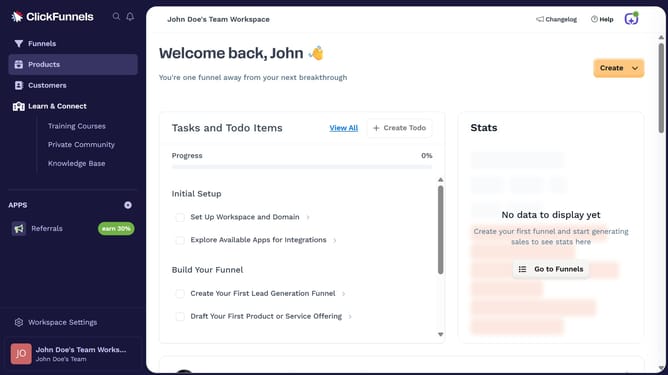
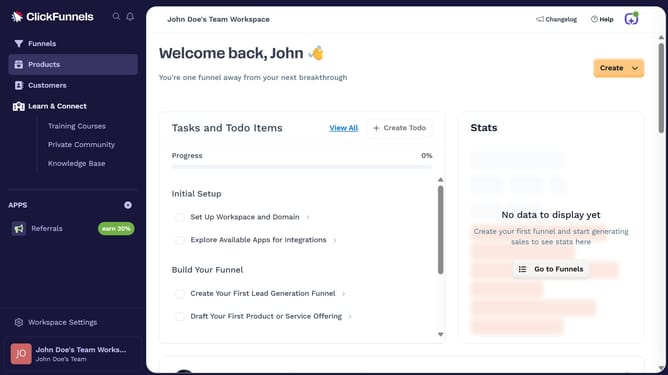
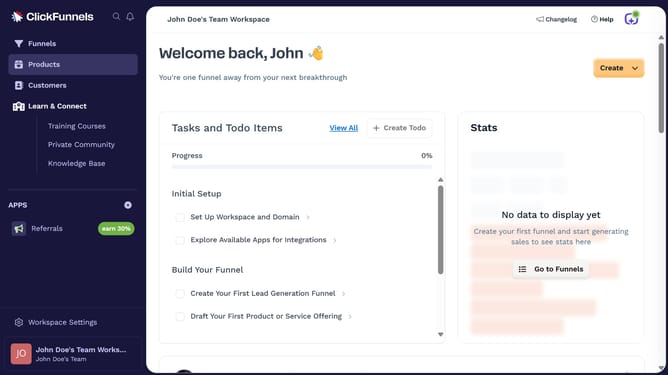
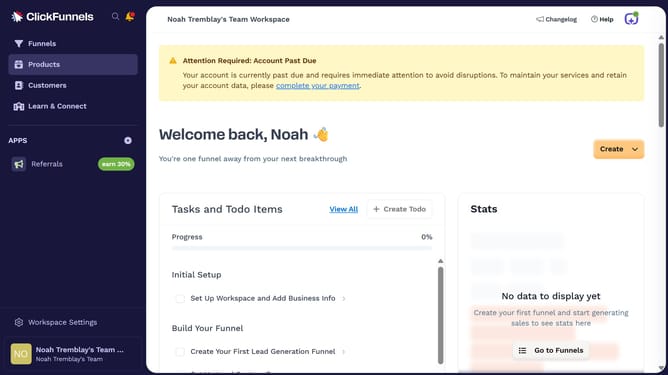
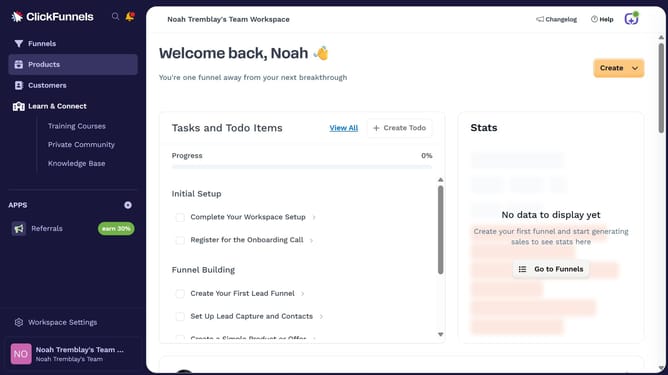
- First click on the "Products" item in the left sidebar
- Then click on "All Products" in the submenu of the Products section
- Next select the product you want to add a custom variant option to
- Then scroll to the "Variants" section and click the checkbox for "This product has multiple options, like different sizes or colors"
- Click on the dropdown field to select option type
- Choose "Add new option" from the dropdown of available option types
- Then enter the name of your custom variant option in the option field
- Next enter the value you want to assign for that option in the value field
- Click the "Done" button to save the variant value
- Finally click the "Update Product" button at the bottom of the page
Why should you create a custom variant option in ClickFunnels
ClickFunnels is an intuitive platform designed to streamline the creation of impactful sales funnels.
The custom variant option in ClickFunnels allows users to personalize their sales funnel offerings, tailoring them to meet specific customer needs. By leveraging this feature, businesses can offer unique product variations directly within their sales pages.
This customization capability enhances the user experience, making it easier for prospective buyers to find precisely what they're looking for, leading to higher satisfaction and improved sales conversion rates.
Last update