How to show Tags column in product view in ClickFunnels
Here is how to show tags column in product view in clickfunnels
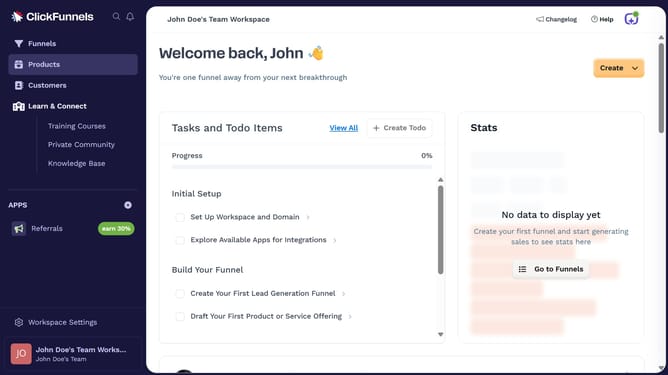
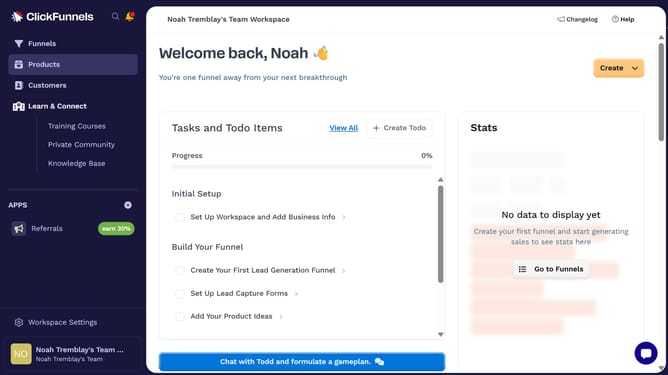
- First click on "Products" in the left sidebar menu
- Then click on "All Products" submenu item in the left sidebar
- Then click on "Modify columns" button in the top right corner of the products table
- Finally check the "Tags" checkbox in the column visibility dropdown menu to show it
Why should you show Tags column in product view in ClickFunnels
ClickFunnels is a powerful tool designed to help businesses effortlessly build and optimize sales funnels.
Showing the Tags column in the product view is a feature in ClickFunnels that adds a layer of organization to your product management. It allows you to easily categorize and identify products using tags, enhancing your ability to streamline operations.
Utilizing tags improves inventory oversight and helps in segmenting products for targeted marketing efforts. This provides a clear visual structure, making product analysis more efficient.
Last update