How to create a physical product in ClickFunnels
Here is how to create a physical product in clickfunnels
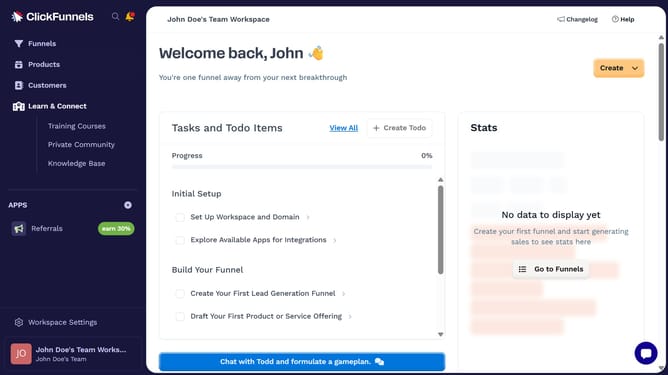
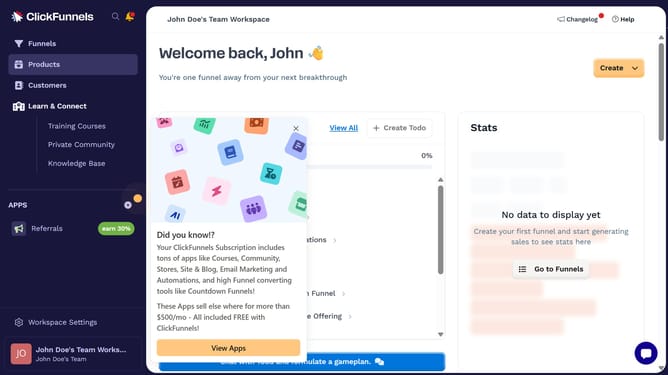
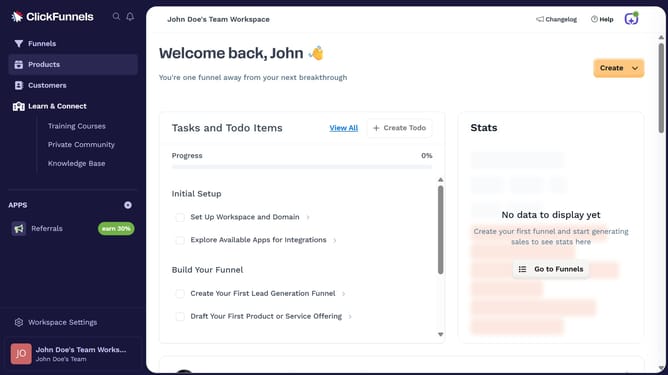
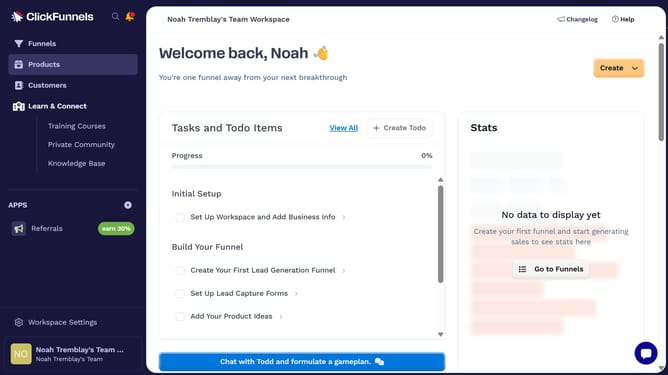
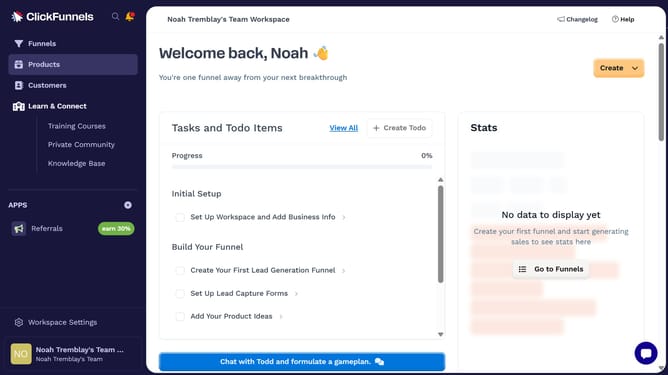
- First click on "Products" menu item in the left sidebar
- Then click on "All Products" submenu item under Products in the left sidebar
- Next click on "Create Product" button in the top right area of the main content
- Then click on "Physical" product type option in the create product modal dialog
- Next enter your product name in the Product Name field
- Finally click on "Create product" button at the bottom right of the modal dialog
Why should you create a physical product in ClickFunnels
ClickFunnels is a versatile platform designed to effortlessly create highly optimized sales funnels.
Creating a physical product within ClickFunnels allows users to seamlessly integrate and showcase their products within a streamlined sales process.
This feature enables entrepreneurs to efficiently manage their inventory, while simultaneously reaching their target audience with a polished and professional presentation.
Utilizing this capability ensures higher conversion rates and streamlined e-commerce operations, ultimately driving business growth.
Last update