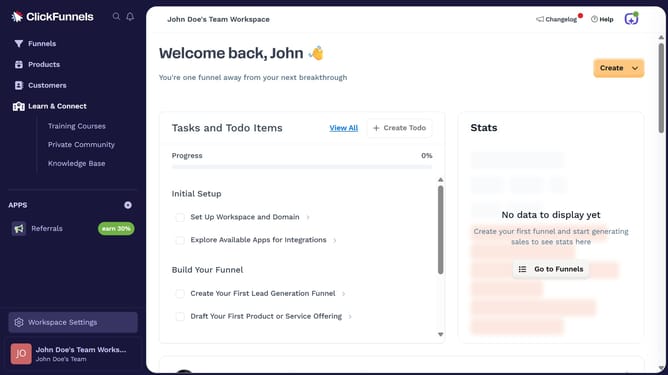
How to show the Orders column in ClickFunnels
Here is how to show the orders column in clickfunnels
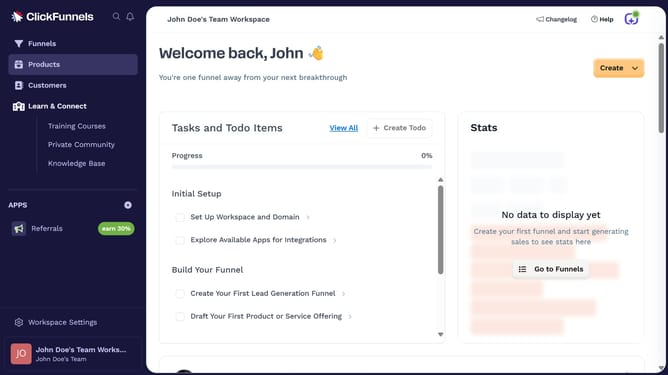
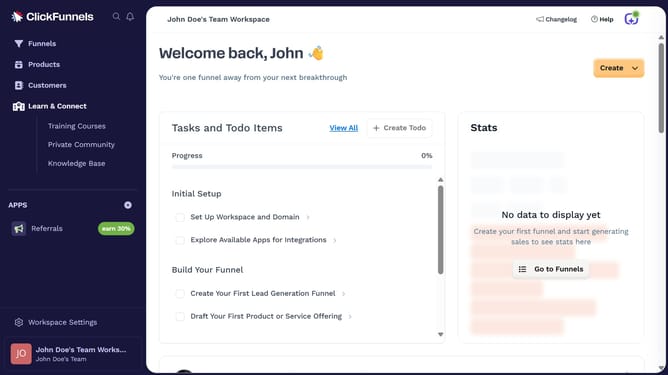
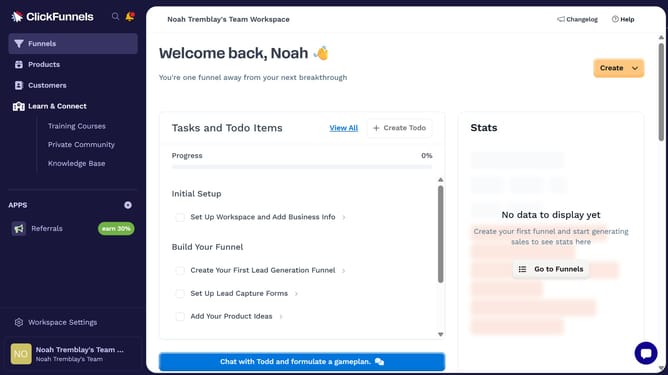
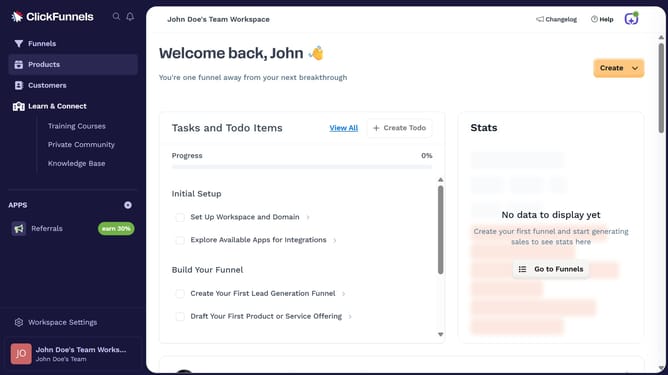
- First click on the "Funnels" tab in the left sidebar navigation menu
- Then click on the "Modify columns" button in the top-right corner of the funnel list view
- Finally select "Orders" option from the columns modification dropdown menu
Why should you show the Orders column in ClickFunnels
ClickFunnels is a versatile platform designed to streamline online sales and marketing funnels, effortlessly guiding prospects through the sales process.
The Orders column feature in ClickFunnels is an essential tool for entrepreneurs focusing on efficient order management. It provides a clear overview of all transactions, ensuring that users can quickly track and evaluate the performance of their sales funnels.
Having this information readily available enhances decision-making and improves customer service by allowing swift access to order details and history. Its ease of use and direct accessibility transform how business owners view and respond to current sales data.
Last update