How to show the Added column in ClickFunnels
Here is how to show the added column in clickfunnels
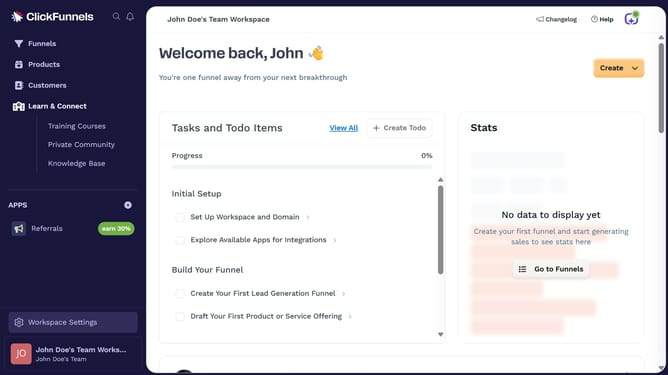
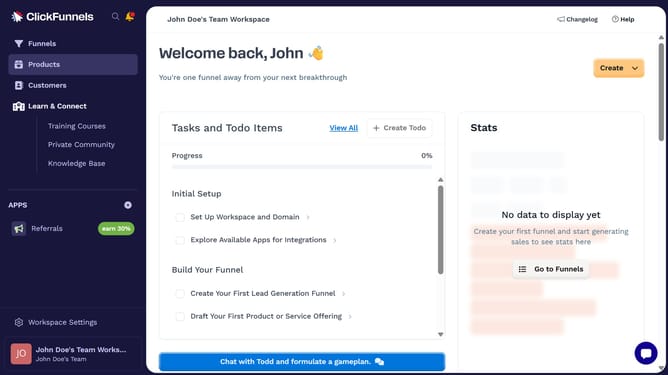
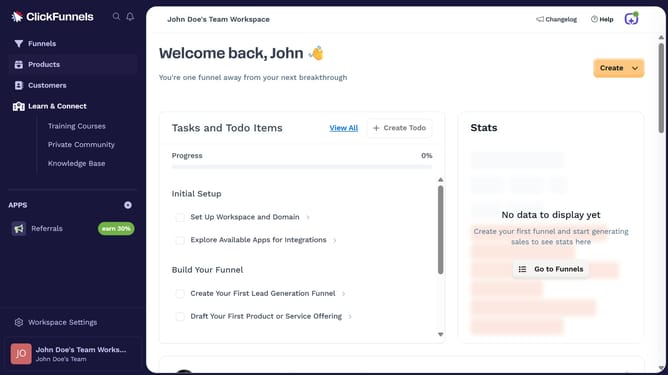
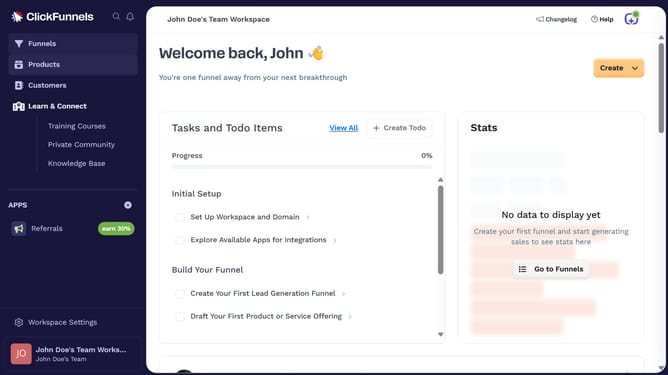
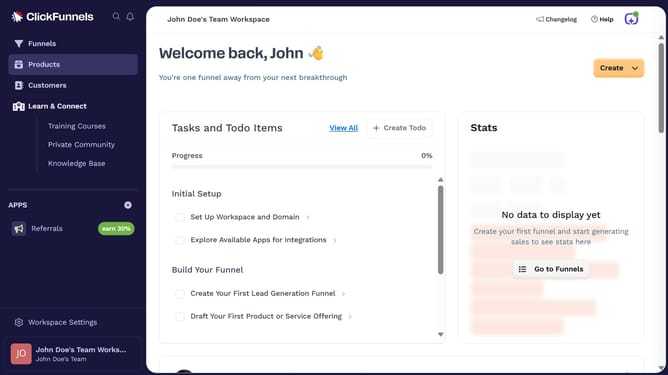
- First click on the "Funnels" option in the left sidebar navigation menu
- Then click on the "Columns" button in the top right of the funnel list view
- Finally click on the "Added" checkbox in the columns dropdown menu to display the added date column
Why should you show the Added column in ClickFunnels
ClickFunnels is a powerful tool designed to streamline the process of building sales funnels and marketing your products effectively.
In ClickFunnels, having the Added column displayed can significantly streamline your workflow. This feature provides an organized view of when elements or stages were added to your funnels.
The Added column helps maintain clarity and ensures you track progress effectively. This can prevent delays and optimize your development process, enhancing overall efficiency and productivity in managing your funnels.
Last update