How to set a product as a subscription in ClickFunnels
Here is how to set a product as a subscription in clickfunnels
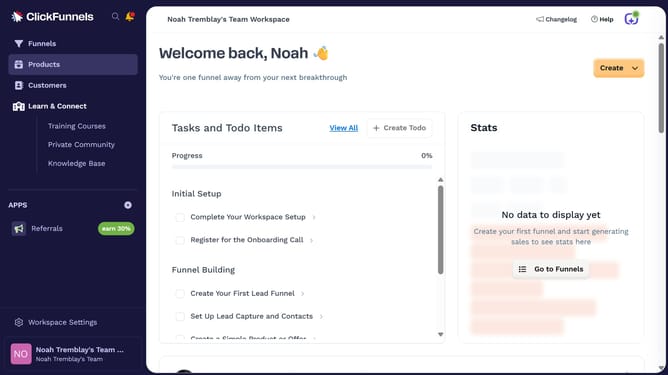
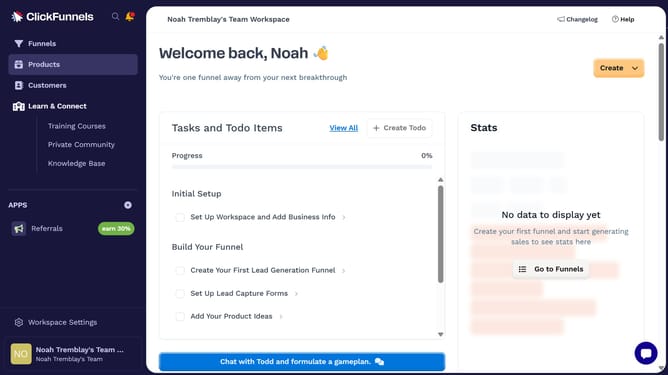
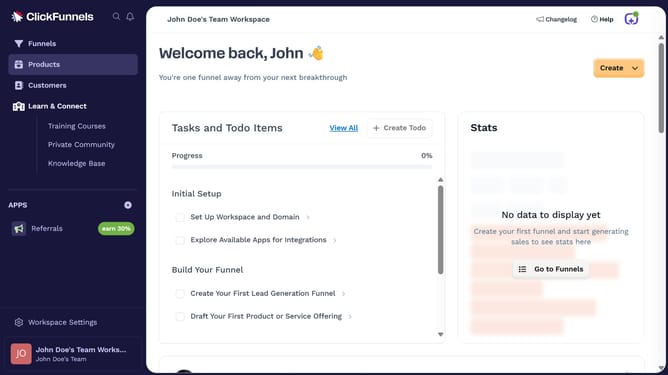
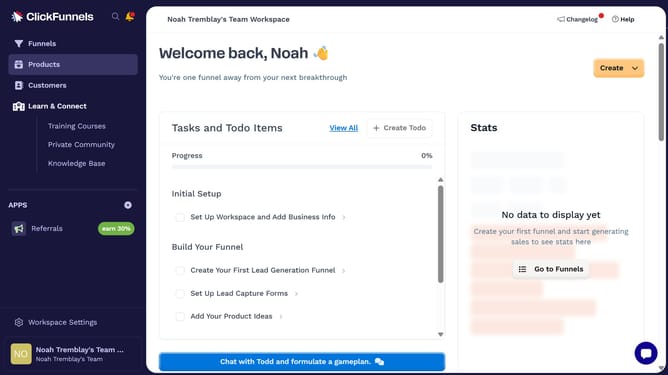
- First click on "Products" in the left sidebar menu
- Then click on "All Products" submenu item in the left sidebar
- Next select the product you want to set as a subscription
- Then click on "Add Price" button in the Pricing section
- Then click on "Subscription" tab in the Add price modal
- Then click on the "Amount per payment" input field and enter "5"
- Then click on the "Charge customer every" dropdown and choose the preferred interval of the subscription
- Finally click on "Save" button at the bottom right of the modal
Why should you set a product as a subscription in ClickFunnels
ClickFunnels simplifies the process of building high-converting sales funnels with ease and efficiency.
Setting a product as a subscription in ClickFunnels can seamlessly transform a simple transaction into a recurring revenue stream. This feature allows entrepreneurs to establish a consistent income by offering their products or services on a subscription basis.
By turning a one-time purchase into an ongoing subscription, businesses can foster customer loyalty and improve cash flow predictability. This strategic approach not only enhances customer relationships but also supports long-term business growth.
Last update