How to edit a product description in ClickFunnels
Here is how to edit a product description in clickfunnels
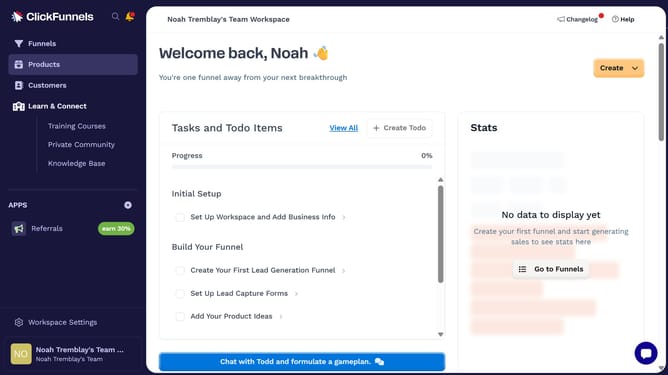
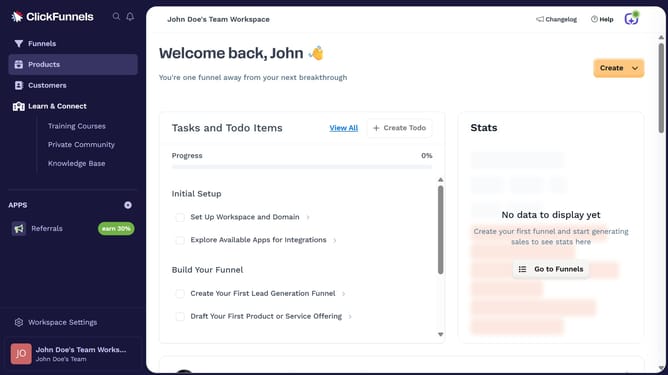
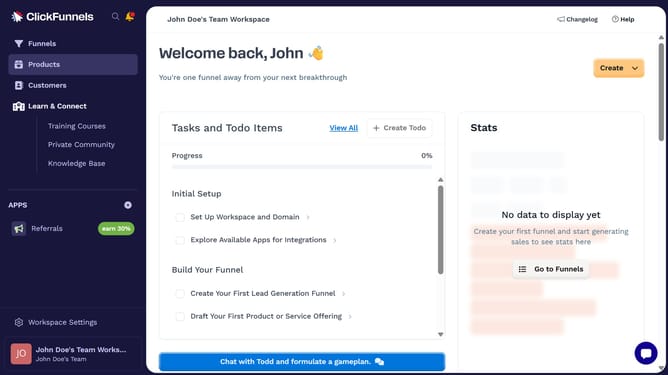
- First click on "Products" in the left sidebar to expand the products menu
- Then click on "All Products" submenu item in the left sidebar
- Next select the product you want to edit
- Then click on the "Description" text field to edit the product description
- Finally click on "Update Product" button in the top right corner to save changes
Why should you edit a product description in ClickFunnels
ClickFunnels is a powerful online tool designed to simplify and optimize the creation of sales funnels for entrepreneurs and businesses.
Editing a product description in ClickFunnels is a straightforward feature that empowers users to tailor their product presentations with ease.
By offering flexible editing options, businesses can ensure their product descriptions are engaging, clear, and aligned with their brand voice.
This feature enhances user experience and can significantly impact conversion rates by reflecting the product's true value.
Last update