How to access column settings in ClickFunnels
Here is how to access column settings in clickfunnels
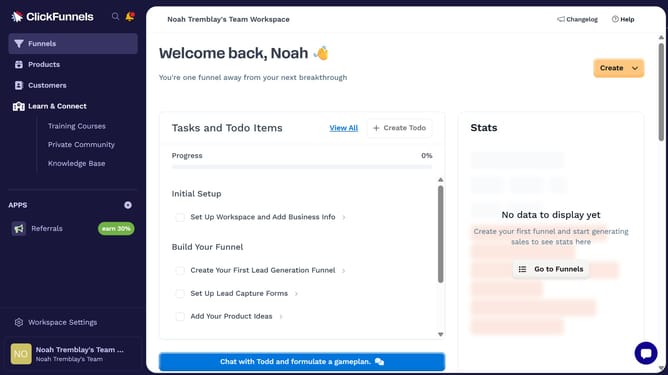
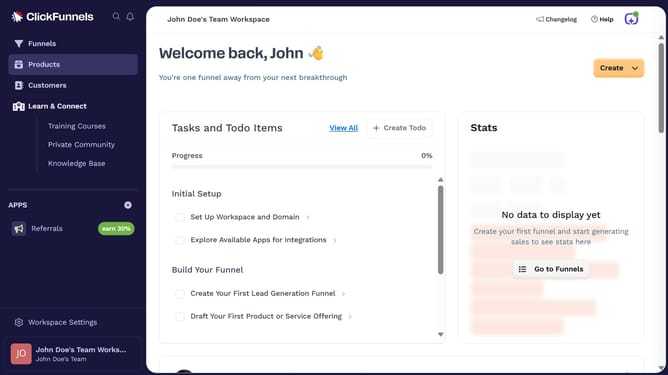
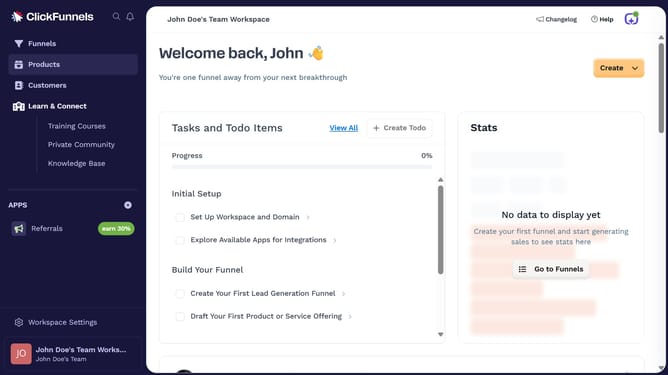
- First click on the "Funnels" option in the left sidebar navigation menu
- Then click on the "Modify columns" button in the top right corner of the funnel list view
- Finally a dropdown menu will open where you can view and select the different columns to display
Why should you access column settings in ClickFunnels
ClickFunnels is a powerful online tool designed to streamline the creation of sales funnels for businesses.
Accessing column settings in ClickFunnels allows users to effortlessly customize their page layouts. This feature is pivotal in ensuring that elements are aligned perfectly with a brand’s identity and goals.
By adjusting column settings, users gain the flexibility to optimize their funnel’s design, enhancing user experience and potentially increasing conversion rates.
Making use of this feature can lead to a more visually appealing and effective sales process.
Last update