How to show Price column in product view in ClickFunnels
Here is how to show price column in product view in clickfunnels
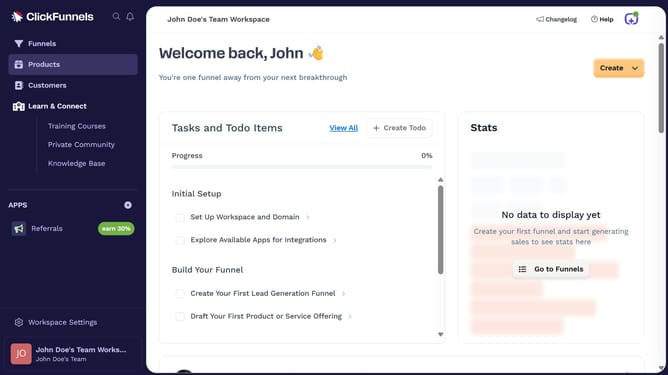
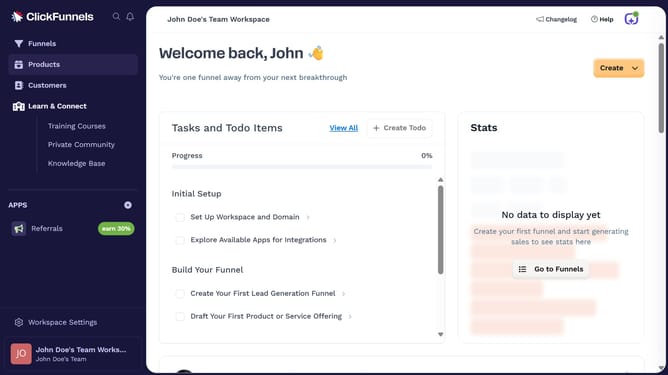
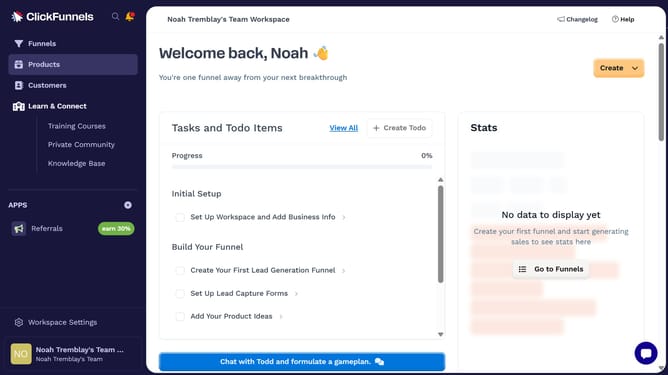
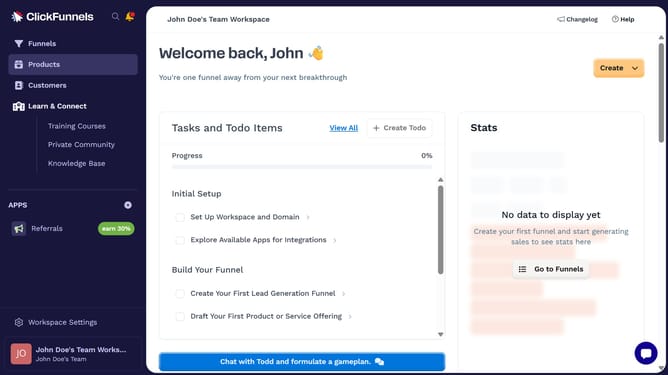
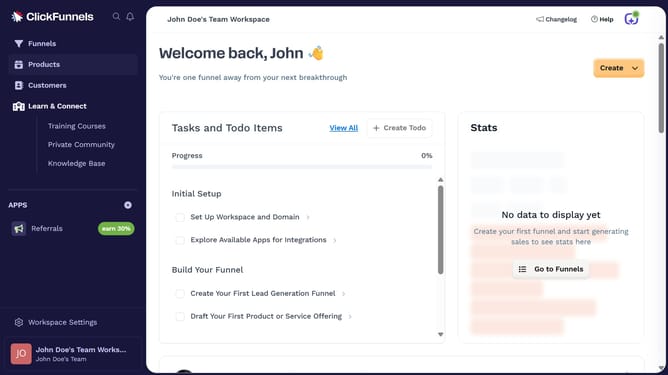
- First click on "Products" in the left sidebar to expand the products menu
- Then click on "All Products" submenu item in the left sidebar
- Next click on the "Modify columns" button in the top right area of the products table
- Finally check the "Price" checkbox in the column modification dropdown menu to show it
Why should you show Price column in product view in ClickFunnels
ClickFunnels is a powerful platform designed to streamline the creation of sales funnels with ease.
One of its invaluable features is the ability to display a Price column in the product view.
This feature allows users to quickly access pricing details at a glance, enhancing operational efficiency.
By providing a clear overview of product pricing, it aids in making informed decisions, reduces errors, and ultimately leads to an improved user experience, ensuring a smoother sales process.
Last update