How to show Preview Image column in product view in ClickFunnels
Here is how to show preview image column in product view in clickfunnels
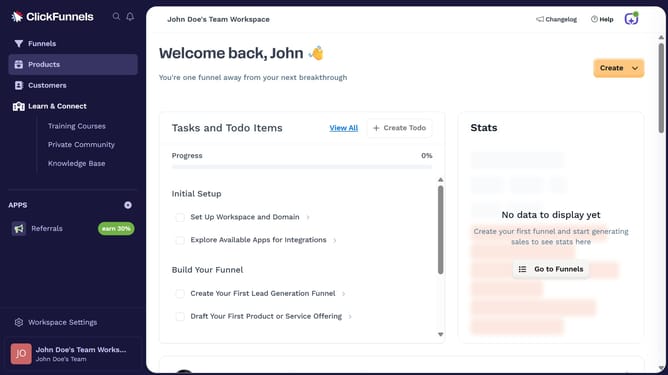
- First click on "Products" in the left sidebar
- Then click on "All Products" in the expanded Products submenu
- Next click on the "Modify columns" button in the top right corner of the products table
- Finally check the "Preview Image" checkbox in the column visibility dropdown menu to show it
Why should you show Preview Image column in product view in ClickFunnels
ClickFunnels is an intuitive platform designed to help businesses convert visitors into loyal customers through effective sales funnels.
The Preview Image feature in ClickFunnels' product view enhances the user experience by allowing quick visual identification of products. This functionality eradicates the need to open individual product pages, thus streamlining product management.
Utilizing the Preview Image column adds a layer of professionalism and efficiency, aiding teams in organizing product catalogs seamlessly while improving workflow and decision-making processes.
Last update