How to set a compare-at price for a product in ClickFunnels
Here is how to set a compare-at price for a product in clickfunnels
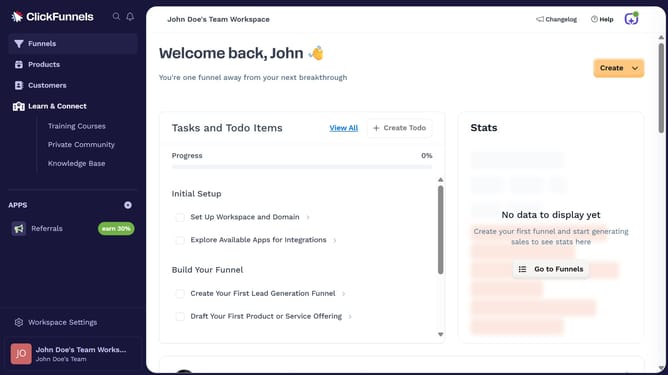
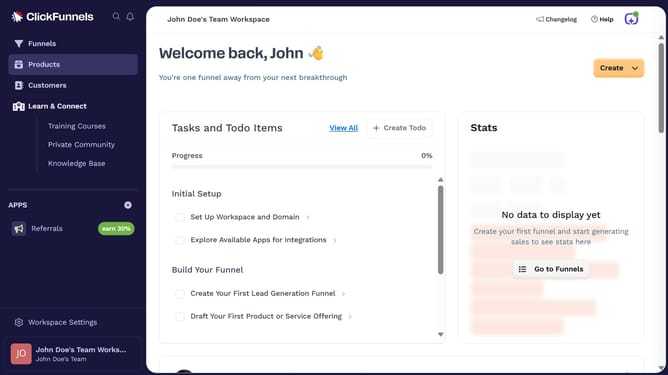
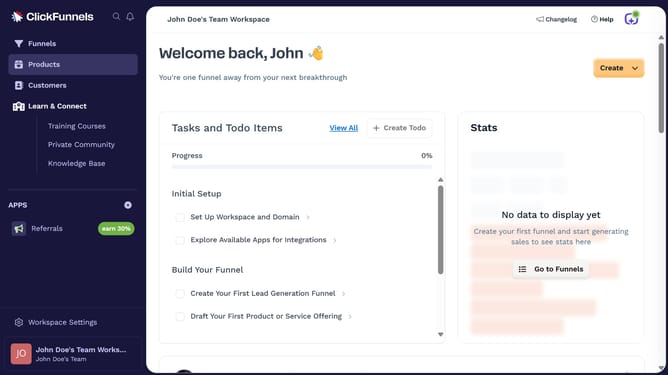
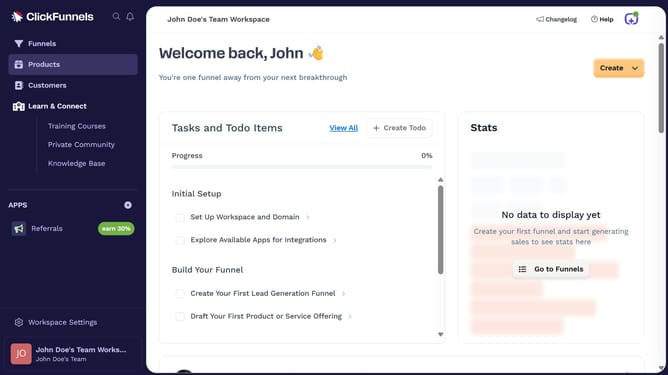
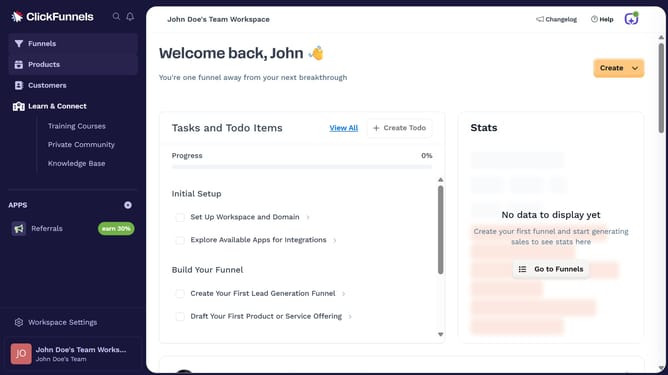
- First click on the "Products" option in the left sidebar menu
- Then click on "All Products" submenu item in the Products section
- Next select the product you want to update from the products list
- Then click on the settings gear icon next to the price in the Pricing section
- Click in the "Compare-at price" field and enter your desired value
- Finally click the "Save" button to apply the price changes
Why should you set a compare-at price for a product in ClickFunnels
ClickFunnels is a powerful platform designed to simplify the process of building sales funnels for any business.
Setting a compare-at price for a product in ClickFunnels allows you to easily showcase discounts and savings to potential customers, enhancing perceived value.
This feature not only highlights promotional pricing but also boosts customer engagement by visually contrasting the original price with the discounted rate.
Utilizing this tool effectively can drive sales and encourage faster purchasing decisions by emphasizing great deals and time-limited offers.
Last update