How to link your AddEvent account with ClickFunnels
Here is how to link your addevent account with clickfunnels
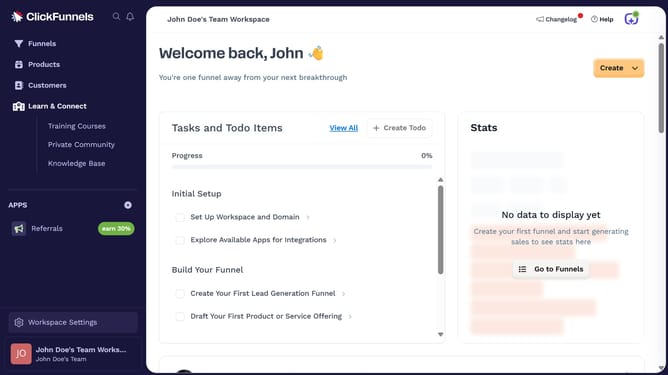
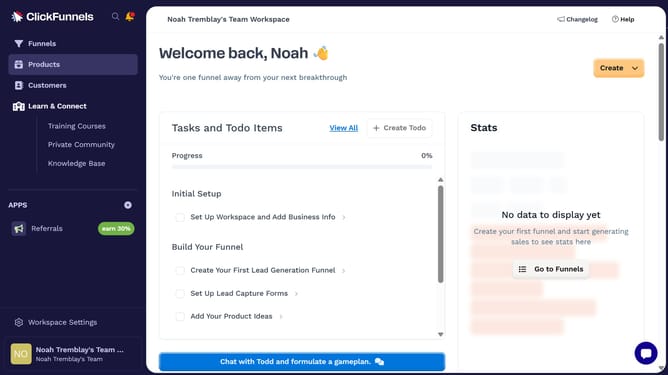
- First click on "Workspace Settings" button in the left sidebar
- Then click on "Integrations" menu item in the left sidebar under Workspace Settings
- Next click on "AddEvent" integration card in the main content area
- Finally enter your API key in the required field in the connection form, then click "Proceed" to finish the integration
Why should you link your AddEvent account with ClickFunnels
ClickFunnels is a powerful online tool designed to simplify the process of creating sales funnels for businesses.
Linking your AddEvent account with ClickFunnels enhances your event management capabilities by seamlessly integrating reminders and calendar events into your funnel stages.
This integration ensures your audience can effortlessly save important dates, increasing engagement and participation rates.
By unifying these platforms, you streamline your workflow, reducing manual tasks and maximizing efficiency in your sales strategies.
Last update