How to integrate Sendlane with ClickFunnels
Here is how to integrate sendlane with clickfunnels
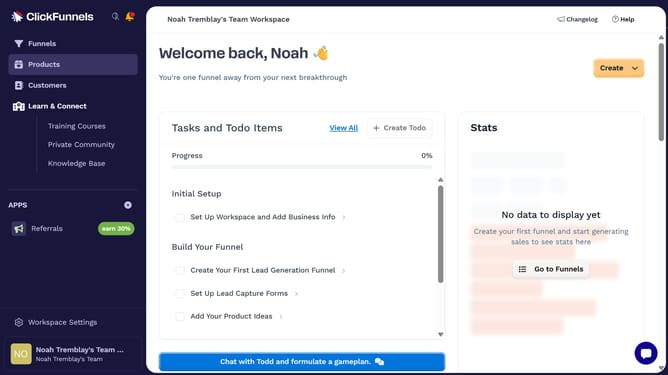
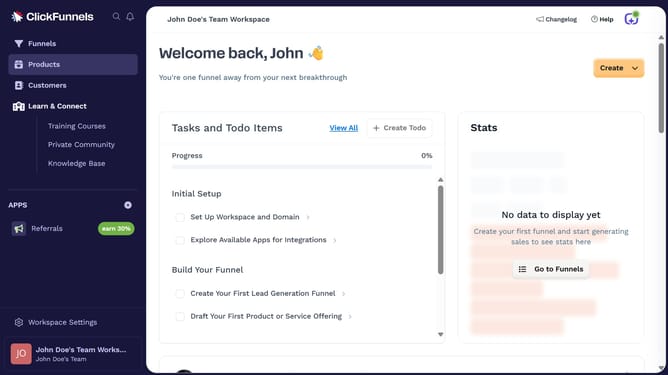
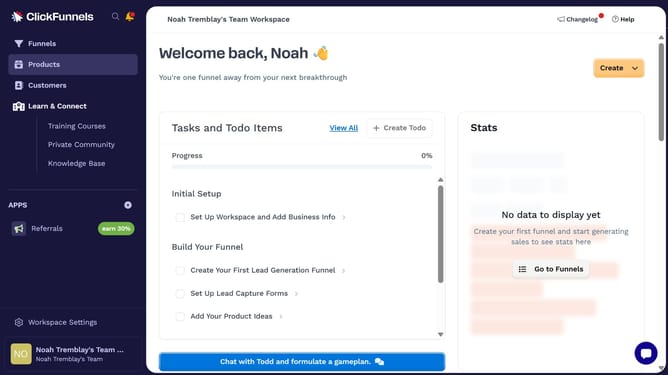
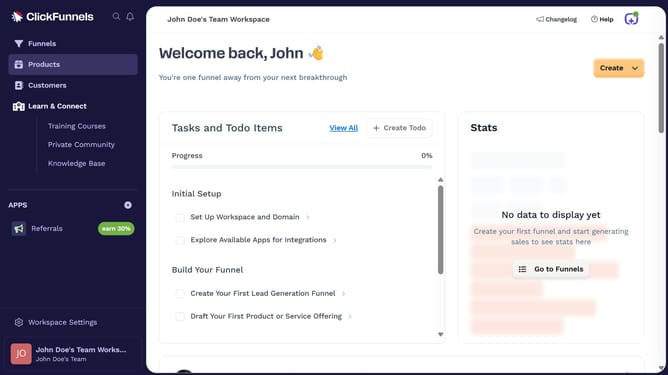
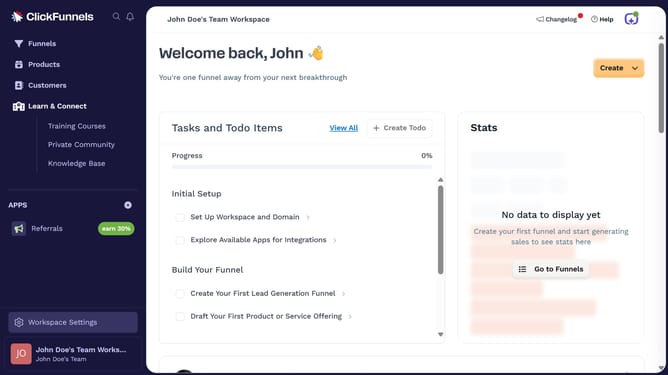
- First click on "Workspace Settings" link in the left sidebar
- Then click on "Integrations" menu item in the left sidebar under Workspace Settings
- Next click on the "Sendlane" integration card in the main content area
- Finally enter your Sendlane username and password in the connection form, then click "Proceed" to complete the integration
Why should you integrate Sendlane with ClickFunnels
ClickFunnels is a powerful tool designed to simplify the process of building sales funnels and transforming clicks into customers effectively.
Integrating Sendlane with ClickFunnels enhances your marketing strategy by streamlining your email marketing efforts. This integration allows you to automatically sync your contacts, ensuring accurate and timely communication with your audience.
By harnessing the combined power of Sendlane and ClickFunnels, you ensure a cohesive user journey, maximizing conversions and boosting customer engagement while saving valuable time.
Last update