How to integrate JobNimbus with ClickFunnels
Here is how to integrate jobnimbus with clickfunnels
- First click on the "JobNimbus" integration card in the integrations list
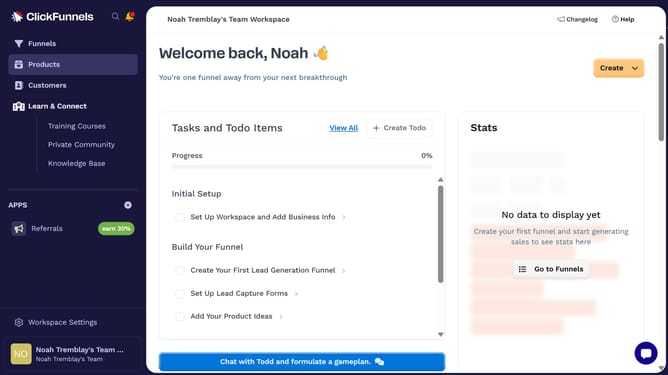
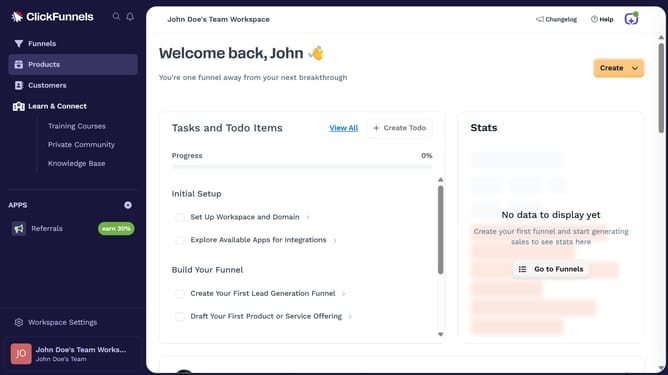
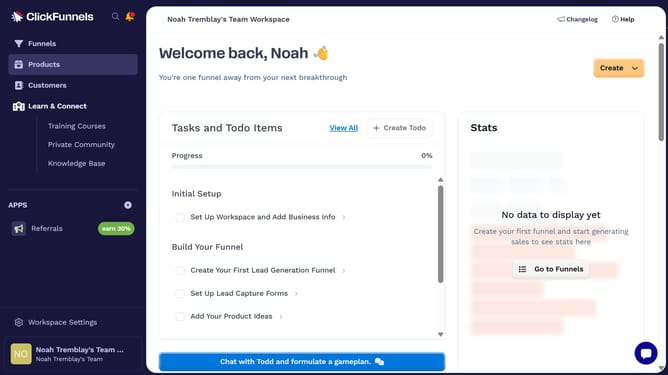
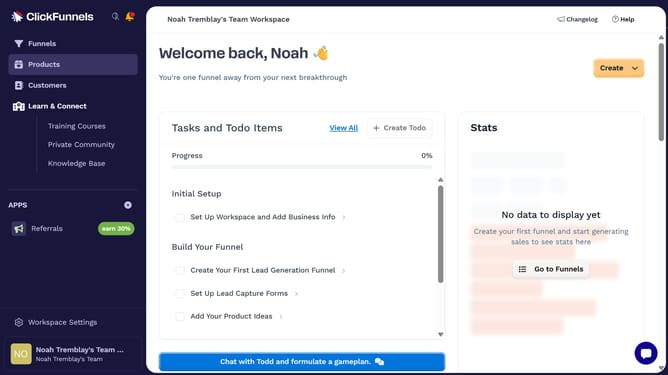
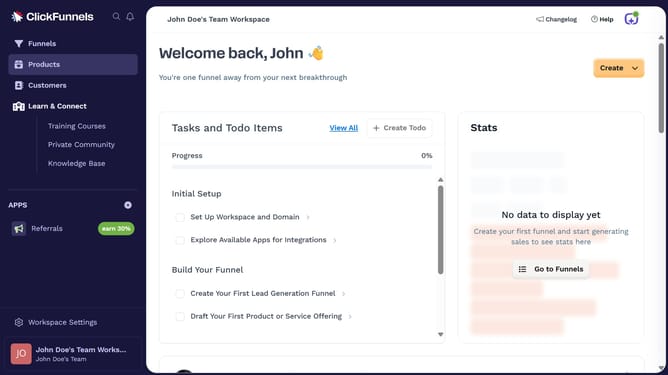
- Then click on "Workspace Settings" in the left sidebar
- Next click on "Integrations" in the left sidebar menu under Workspace Settings
- Finally enter your JobNimbus API key in the connection form and click "Proceed" to complete the integration
Why should you integrate JobNimbus with ClickFunnels
ClickFunnels simplifies the process of building sales funnels, enhancing online marketing efficiency.
Integrating JobNimbus with ClickFunnels combines project management prowess with powerful conversion tools.
This integration keeps your sales and project data synchronized, facilitating smoother workflows and improved client management.
By connecting these platforms, businesses can increase efficiency, reduce manual entry, and gain valuable insights, driving success.
Last update