How to reset column display in ClickFunnels
Here is how to reset column display in clickfunnels
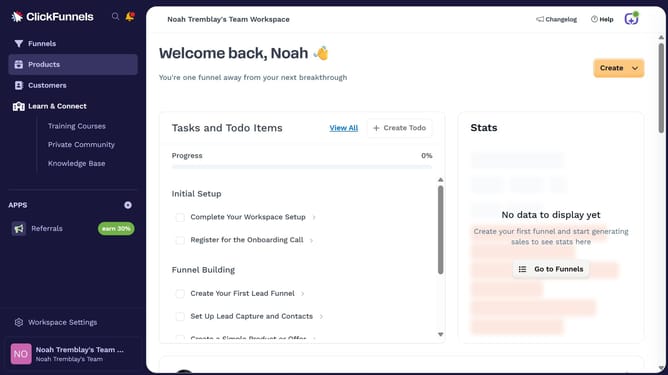
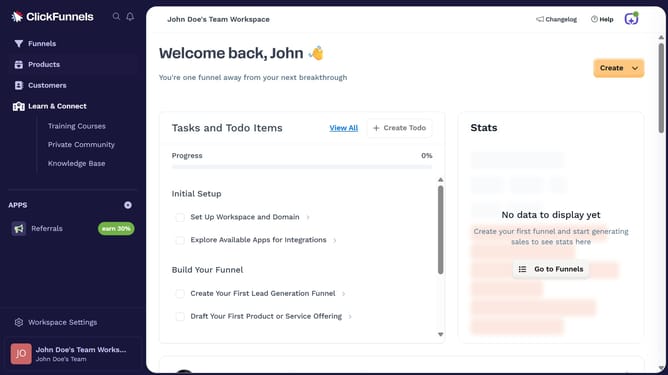
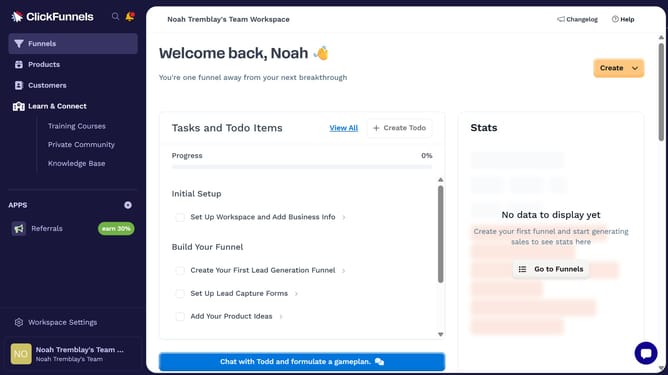
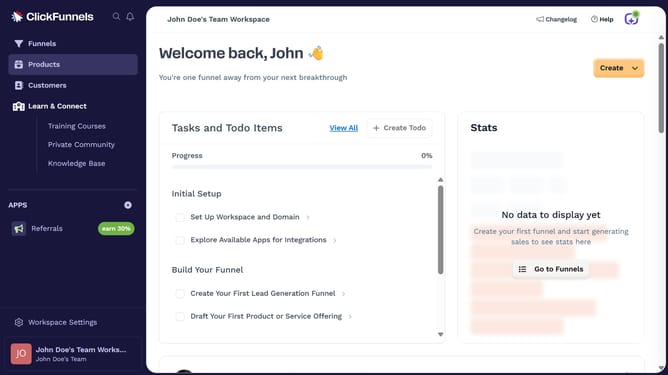
- First click on the "Funnels" option in the left sidebar menu
- Then click on the "Modify columns" button located in the top-right corner of the funnel list view
- Finally click on the "Reset Columns" button in the columns configuration panel
Why should you reset column display in ClickFunnels
ClickFunnels is a powerful sales funnel builder designed to help businesses convert visitors into customers effortlessly.
Being able to reset the column display in ClickFunnels is a dynamic feature that ensures your layout remains organized and visually appealing. This feature is instrumental for users who wish to maintain a clean and uncluttered design, enhancing the visitor's experience.
Regularly resetting column displays allows instant adaptation to evolving design strategies. The flexibility offered by this feature guarantees a seamless and efficient management process, keeping your funnels aligned with your business goals.
Last update