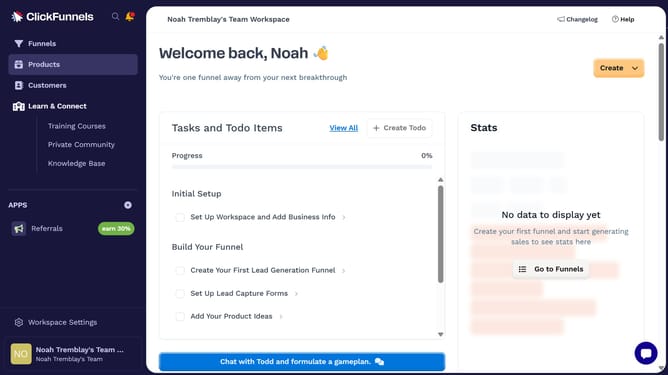
How to add variants to a product in ClickFunnels
Here is how to add variants to a product in clickfunnels
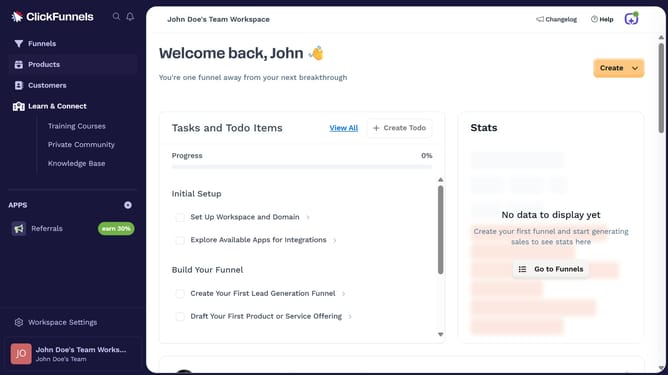
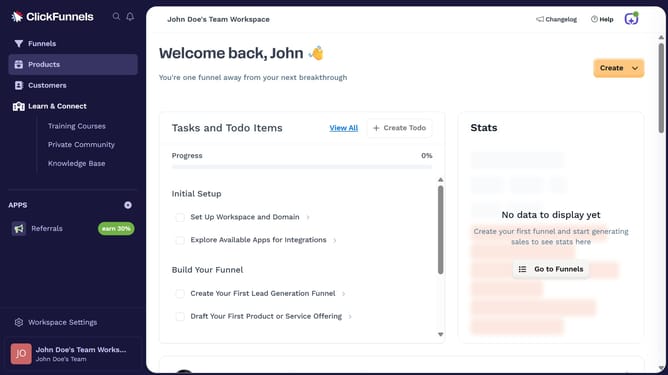
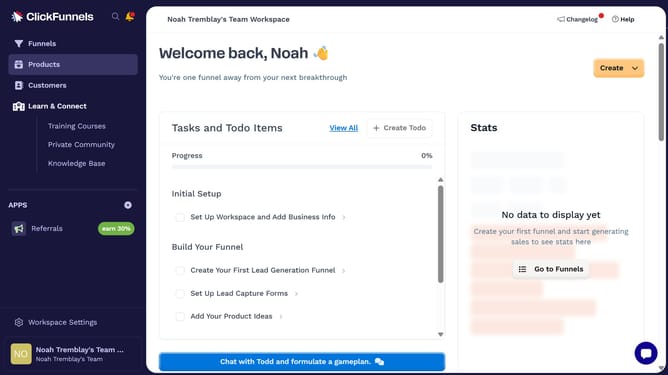
- First click on the "Products" item in the left sidebar menu
- Then click on "All Products" in the products submenu
- Next select the product you want to add variants to
- Click the checkbox next to "This product has multiple options, like different sizes or colors" under Variants section
- Click the "Add" button in the variants section to add a new option
- Choose the desired variant option from the dropdown of available option types
- Then enter a value for your variant option
- Click the "Done" button to save the variant option
- Finally click the "Update Product" button at the bottom of the page to save all changes
Why should you add variants to a product in ClickFunnels
ClickFunnels is an all-in-one sales funnel builder that helps businesses easily create effective marketing strategies.
Incorporating variants to a product with ClickFunnels allows businesses to offer diverse options within a single product listing.
This flexibility enhances the shopping experience by catering to customer preferences, whether it’s through size, color, or style variations.
Offering product variants streamlines inventory management and promotes a personalized shopping approach, potentially increasing conversion rates and customer satisfaction.
Last update