How to link your Agile CRM account with ClickFunnels
Here is how to link your agile crm account with clickfunnels
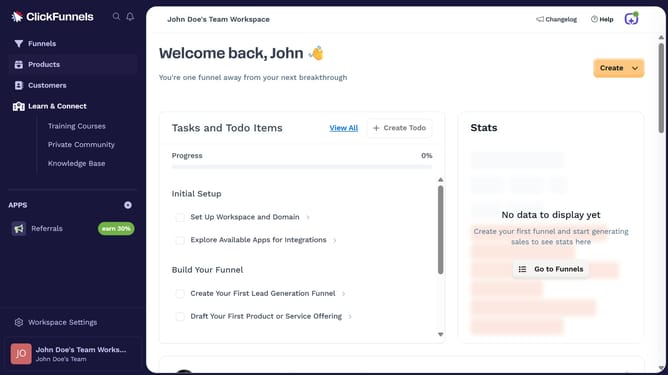
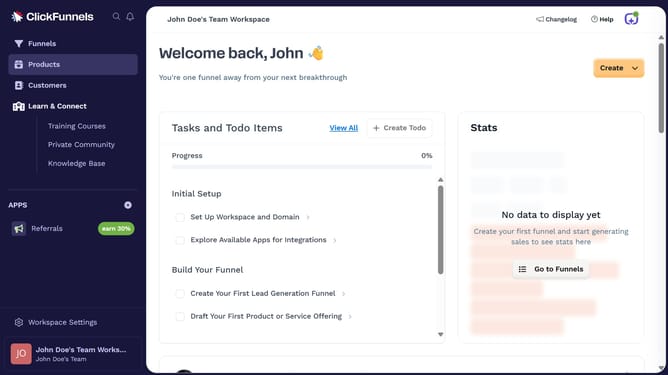
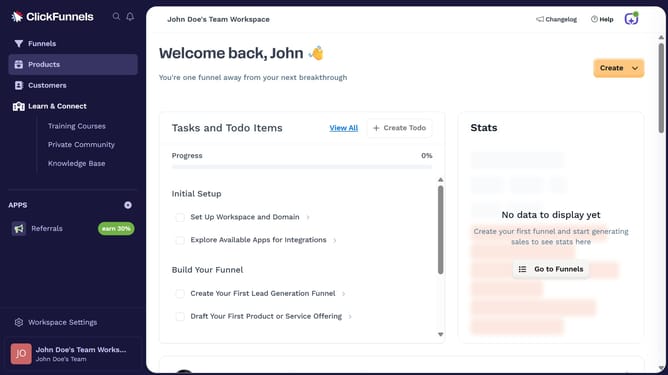
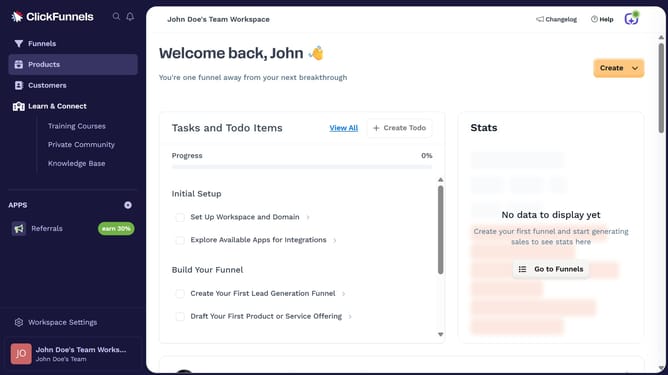
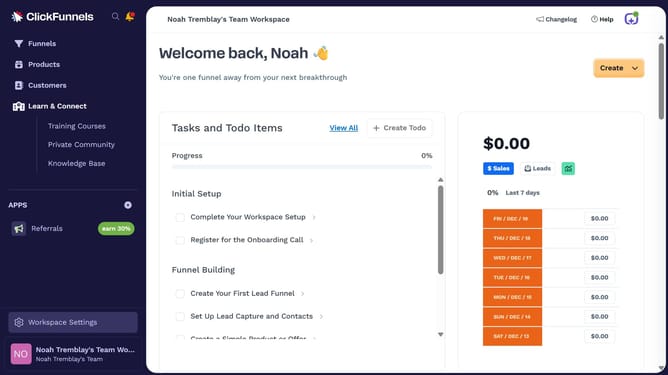
- First click on "Workspace Settings" button in the left sidebar
- Then click on "Integrations" menu item in the left sidebar under Workspace Settings
- Next click on "Agile CRM" integration card from the available integrations list
- Finally enter credentials in the "Username" and "Password" fields and click "Proceed" button to connect Agile CRM to your account
Why should you link your Agile CRM account with ClickFunnels
ClickFunnels is a dynamic tool designed for crafting seamless sales funnels that elevate your business growth.
Linking your Agile CRM account with ClickFunnels can provide a powerhouse of insights by integrating customer interactions directly into your sales funnel framework.
This connection streamlines customer data flows, which enhances efficiency and automates tracking, helping you focus on what truly matters—building and nurturing customer relationships.
Overall, this integration empowers businesses to make smarter, more informed decisions, ultimately driving success.
Last update