How to disconnect Mailchimp from ClickFunnels
Here is how to disconnect mailchimp from clickfunnels
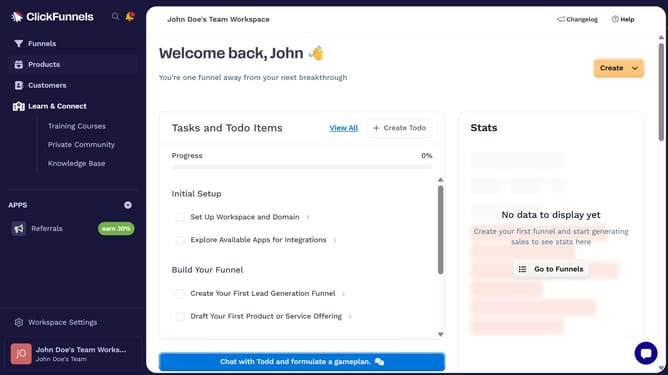
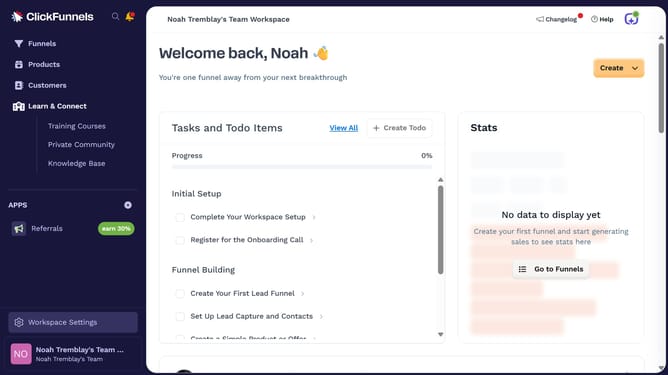
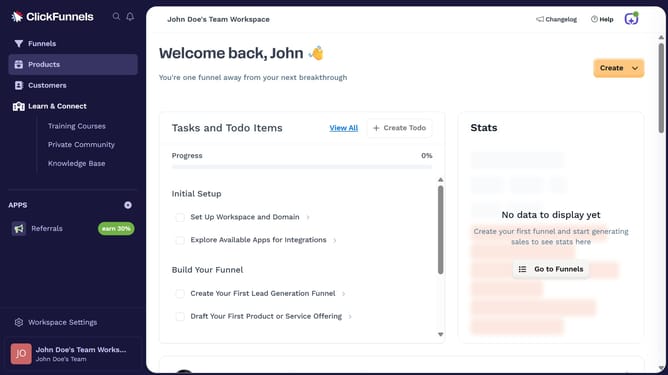
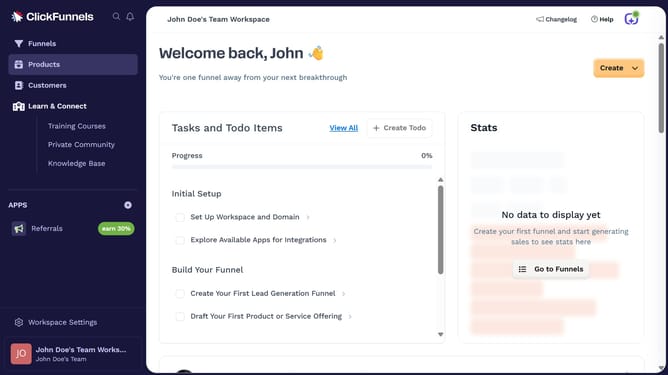
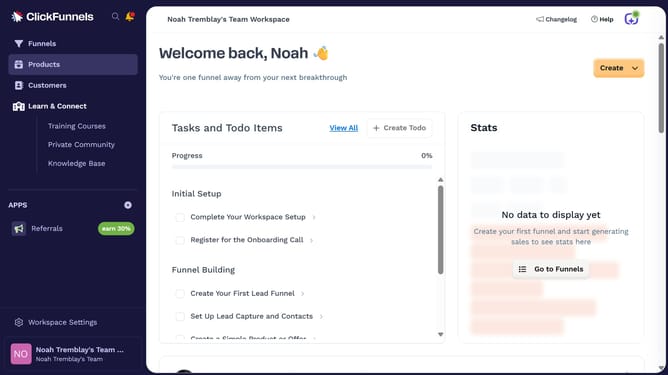
- First click on "Workspace Settings" link in the left sidebar
- Then click on "Integrations" menu item in the left sidebar
- Next click on the "Mailchimp" integration card
- Then click on the dropdown arrow next to the Mailchimp Account field
- Next click on the delete/disconnect icon button
- Finally click on the "Disconnect" button in the confirmation dialog
Why should you disconnect Mailchimp from ClickFunnels
ClickFunnels is a powerful platform designed to help entrepreneurs create high-converting sales funnels with ease.
Disconnecting Mailchimp from ClickFunnels is a straightforward feature that enhances your workflow flexibility. By removing the integration, you can streamline your marketing efforts or switch to different tools without any hassle.
This option is especially beneficial if you're looking to diversify your digital marketing strategies or reduce redundant processes that do not align with your current business objectives. It ensures that you have full control over your integrations, tailoring your tools to better meet your needs.
Last update