How to set a product price in ClickFunnels
Here is how to set a product price in clickfunnels
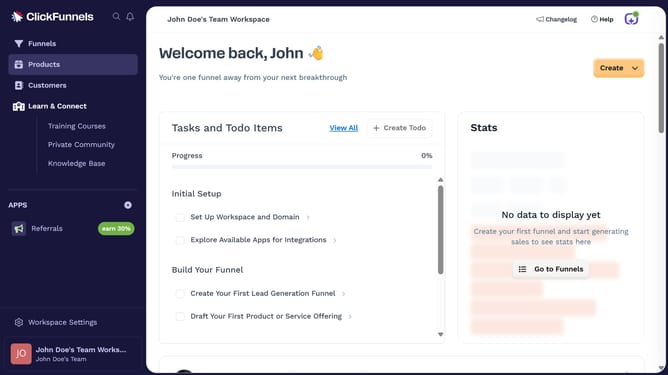
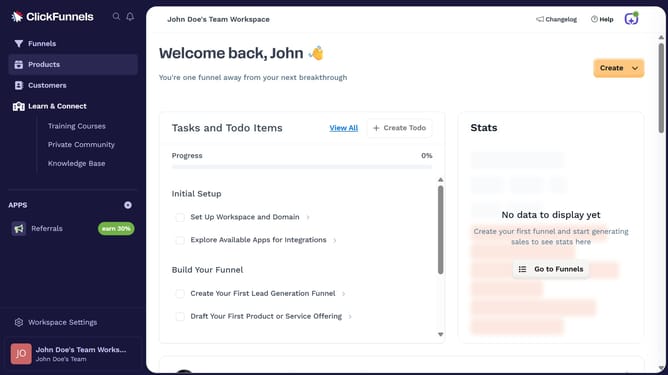
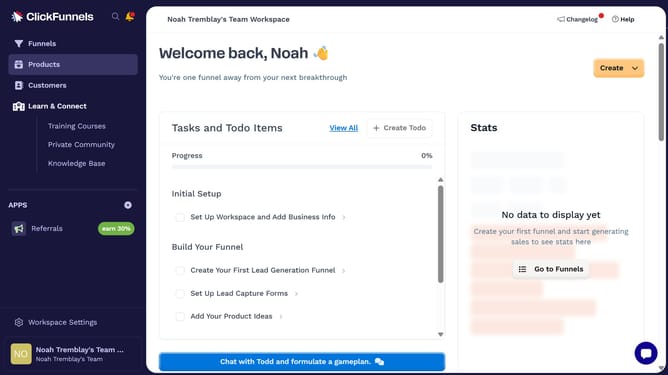
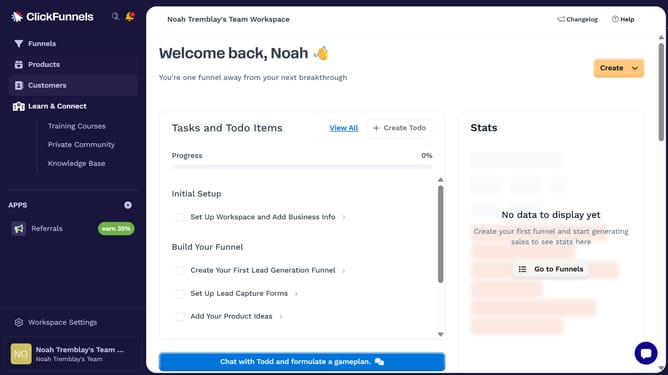
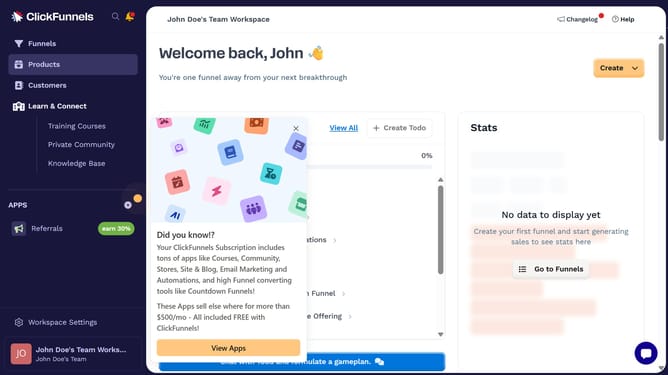
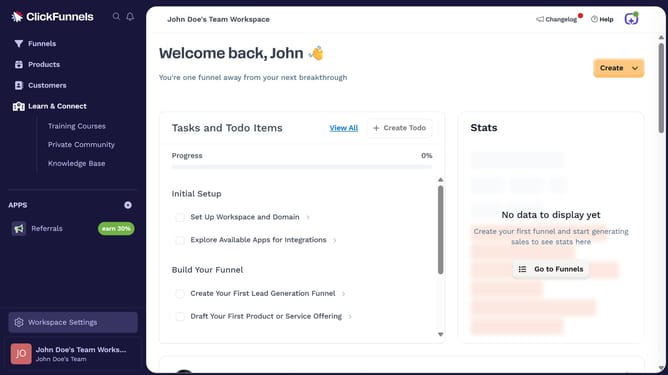
- First click on "Products" in the left sidebar menu
- Then click on "All Products" submenu item in the left sidebar
- Next select the product you want to set the price for
- Then click on "Add Price" button in the Pricing section
- Enter the price amount in the "Amount" field of the Add price modal
- Finally click on "Save" button to save the price
Why should you set a product price in ClickFunnels
ClickFunnels is a comprehensive tool designed to streamline the process of creating and managing effective sales funnels.
Setting a product price in ClickFunnels is a straightforward feature that enhances flexibility in pricing strategies. By using this option, entrepreneurs can effortlessly adjust prices to match market demands or promotional goals.
Utilizing this feature allows for quick adaptability, keeping businesses competitive and optimizing profit margins. It's a simple, yet powerful way to manage pricing efficiently.
Last update