How to rename a product in ClickFunnels
Here is how to rename a product in clickfunnels
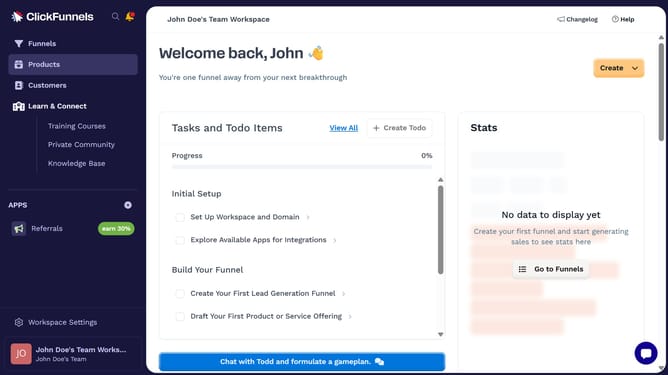
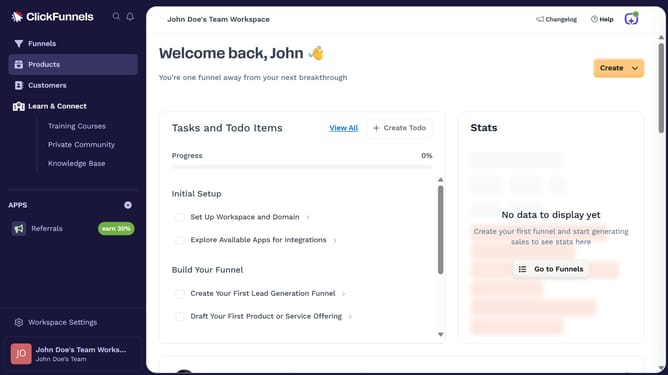
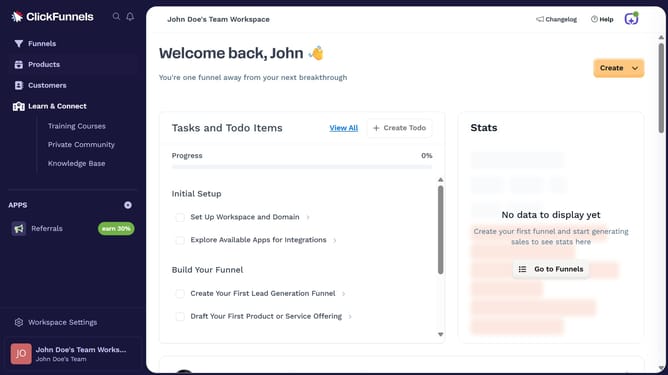
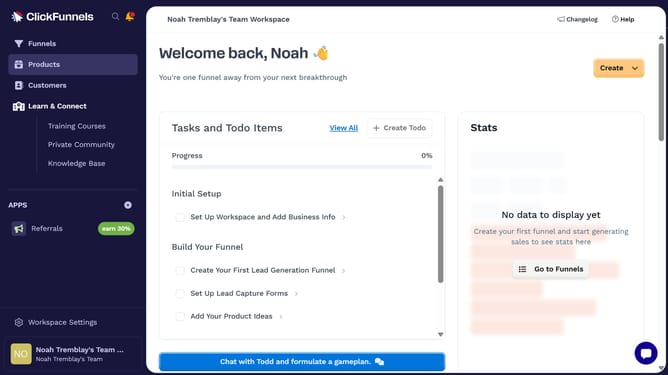
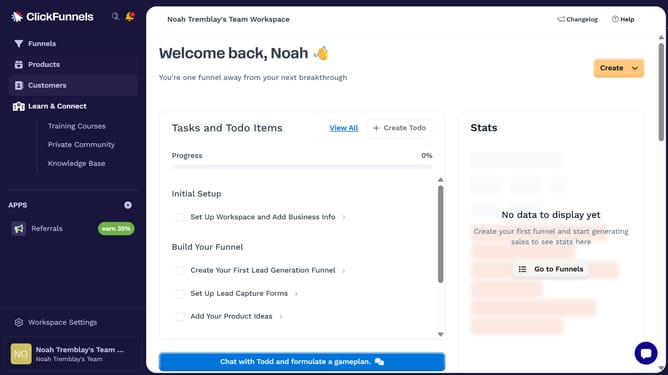
- First click on the "Products" option in the left sidebar menu
- Then click on "All Products" in the products submenu
- Then click on the product you want to rename in the products list
- Then click in the "Product name" input field to edit the product name
- Finally click the "Update Product" button in the top-right corner to save changes
Why should you rename a product in ClickFunnels
ClickFunnels is a powerful platform designed to simplify and optimize the creation of sales funnels for entrepreneurs and businesses.
One of the beneficial features it offers is the ability to easily rename a product, which provides flexibility and adaptability in your marketing strategies.
Renaming a product can aid in refreshing your brand image, aligning product names with evolving business goals, and ensuring consistency across your campaigns. This simple action can lead to more targeted marketing and an enhanced customer understanding, ultimately improving sales conversions.
Last update