How to integrate Smartsheet with ClickFunnels
Here is how to integrate smartsheet with clickfunnels
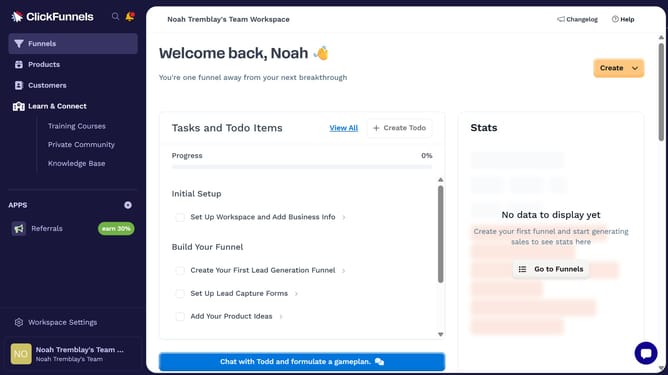
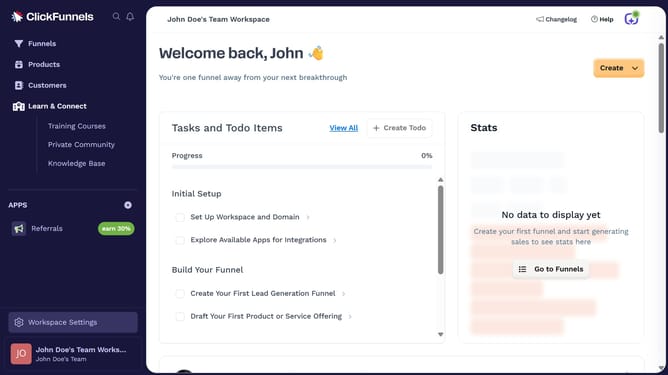
- First click on "Workspace Settings" in the left sidebar
- Then click on "Integrations" in the left sidebar menu
- Next click on the "Smartsheet" integration card in the main content area
- Finally sign in using your email and click "Continue," or choose to sign in with Google, Microsoft, or Apple to complete the integration
Why should you integrate Smartsheet with ClickFunnels
ClickFunnels, a powerful tool for creating high-converting sales funnels, streamlines the journey from lead to customer.
Integrating Smartsheet with ClickFunnels enhances your data management, allowing seamless synchronization between project tracking and sales funnel activities.
This integration ensures a smoother workflow, reduces manual data entry, and offers real-time updates, ultimately boosting efficiency and productivity.
Experience the synergy as you effortlessly blend project management and sales processes for optimal business outcomes.
Last update