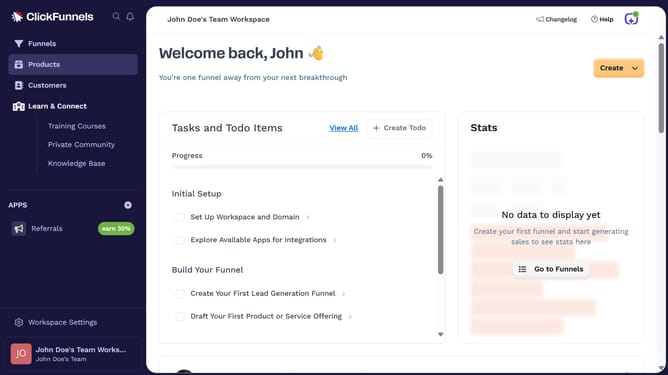
How to edit a product tag in ClickFunnels
Here is how to edit a product tag in clickfunnels
- First click on "Workspace Settings" button in the left sidebar
- Then click on "Tags" option in the left sidebar menu
- Next click on "Products" item in the expanded Tags submenu
- Then select the product tag you want to edit
- Next update the tag to your preferred settings such as name or color
- Finally click on "Update Product Tag" button in the top right corner
Why should you edit a product tag in ClickFunnels
ClickFunnels is a powerful tool designed to simplify the process of building sales funnels to convert visitors into customers efficiently.
Editing a product tag in ClickFunnels is a feature that enhances both organization and campaign efficiency. By ensuring that your product tags are accurately assigned and regularly updated, you equip yourself with seamless inventory management and streamlined categorization.
This feature allows for better tracking of sales data and customer preferences, enabling more targeted marketing strategies and improved customer experience.
Last update