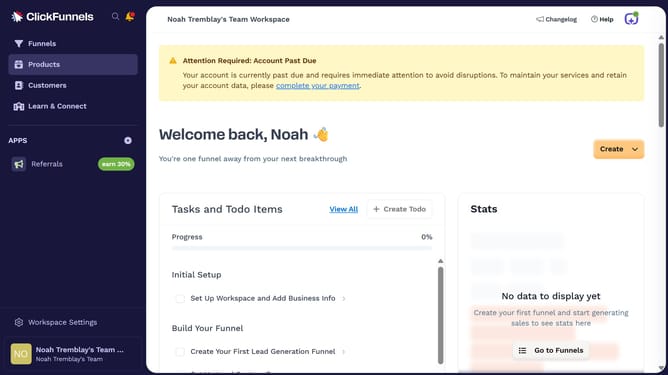
How to open the column display menu in ClickFunnels
Here is how to open the column display menu in clickfunnels
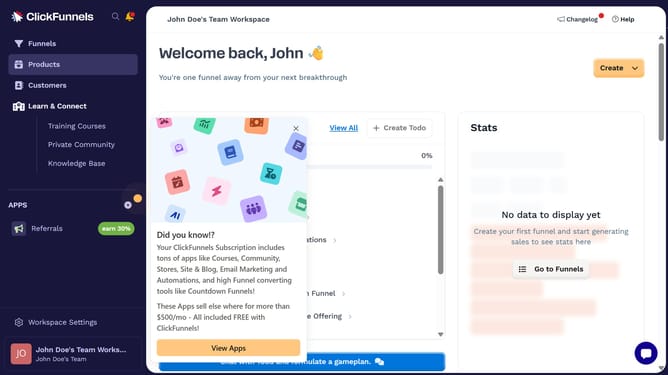
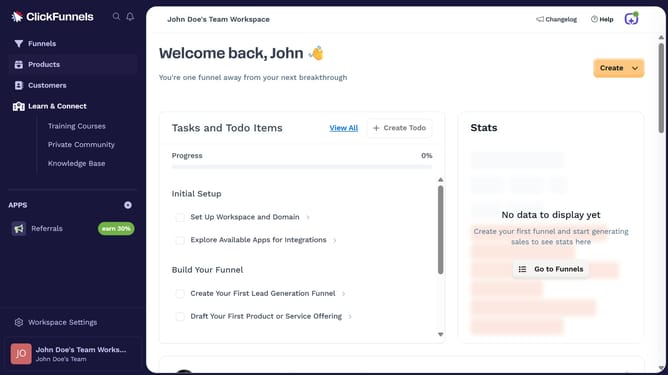
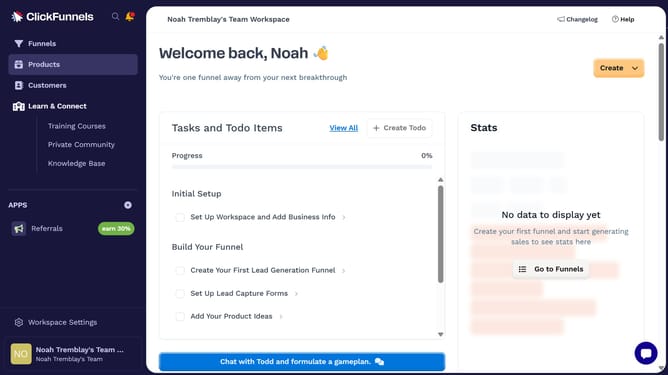
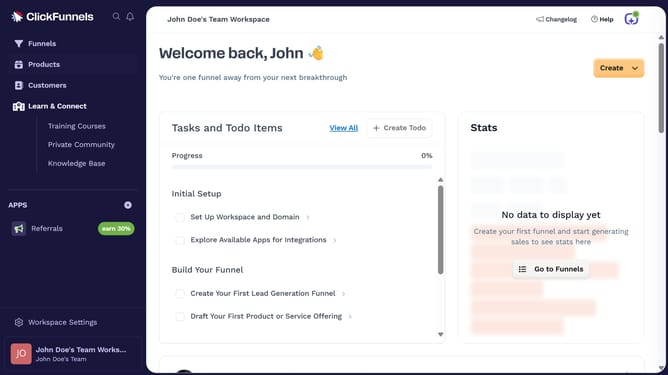
- First click on the "Funnels" option in the left sidebar navigation menu
- Then click on the "Modify columns" button in the top right corner of the funnel list view
- Finally a dropdown menu will open where you can view and select the different columns to display
Why should you open the column display menu in ClickFunnels
ClickFunnels is a dynamic online tool crafted to simplify building high-converting sales funnels, streamlining the path from potential customer to satisfied buyer.
One essential feature in ClickFunnels is the column display menu. Accessing this menu allows you to customize the structure of your funnel pages with ease. It offers a seamless experience for toggling various display settings, ensuring your layout is perfectly aligned with your brand vision.
Using the column display menu not only enhances the visual appeal of your pages but also optimizes user engagement. It empowers you to tailor each section for maximum impact, ensuring your content connects directly with your audience.
Last update