How to add a color variant to a product in ClickFunnels
Here is how to add a color variant to a product in clickfunnels
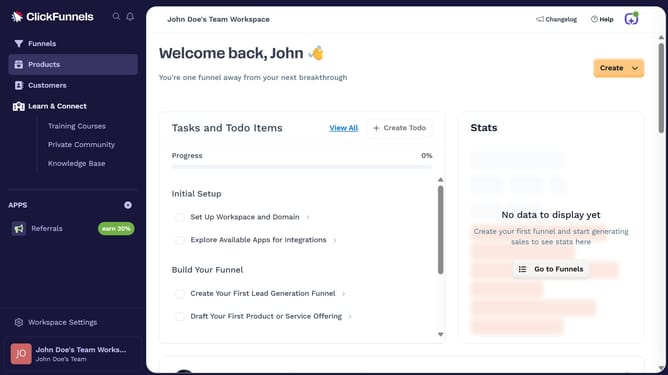
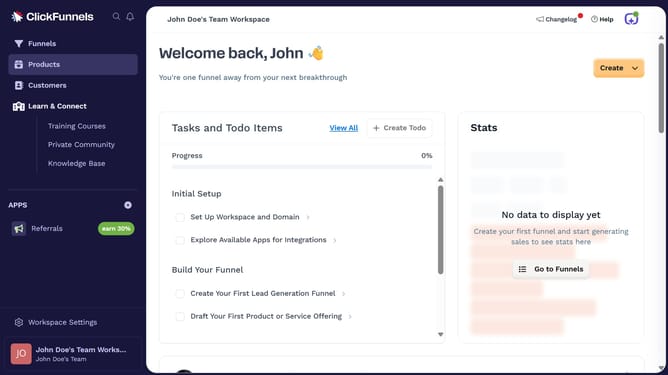
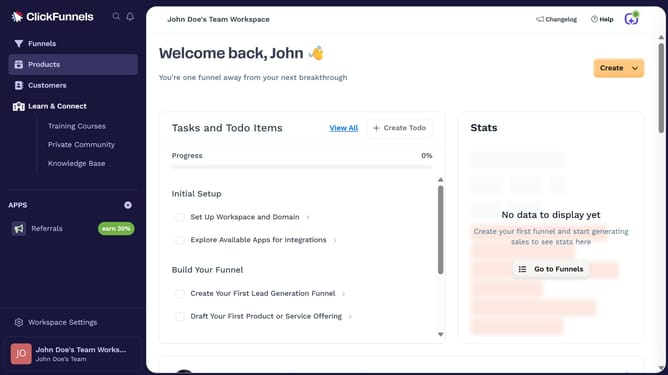
- First click on the "Products" option in the left sidebar menu
- Then click on "All Products" in the submenu under Products
- Click on "Demo capturer" product from the list
- Select the checkbox for "This product has multiple options, like different sizes or colors"
- Click on the dropdown arrow next to the option input field
- Select "Color" from the dropdown options list
- Then enter the color you want to add in the value field
- After adding color values, click the "Done" button
- Finally, click the "Update Product" button to save all changes
Why should you add a color variant to a product in ClickFunnels
ClickFunnels is a powerful tool for building high-converting sales funnels with ease.
Adding a color variant to a product in ClickFunnels expands the personalization possibilities for your offerings. This feature empowers marketers to present diverse options, catering to varied customer preferences without complicating the buying process.
Utilizing color variants enhances the user experience by providing a visual selection, boosting engagement and potentially increasing conversion rates. This flexibility makes product listings more appealing and dynamic.
Last update