How to create a digital product in ClickFunnels
Here is how to create a digital product in clickfunnels
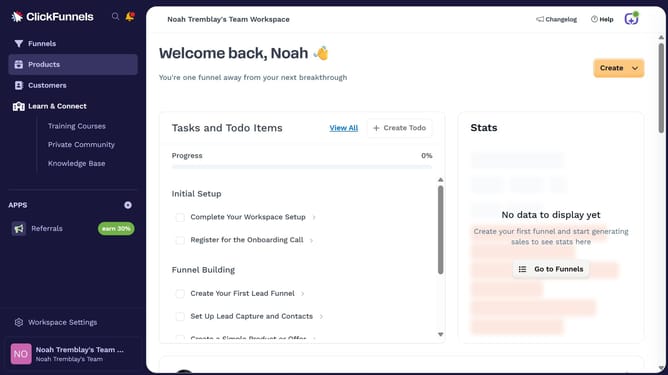
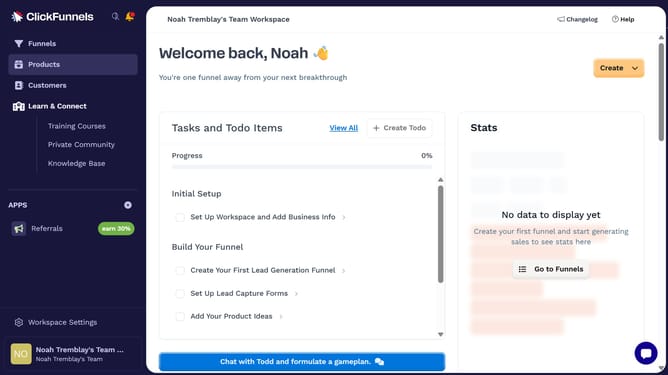
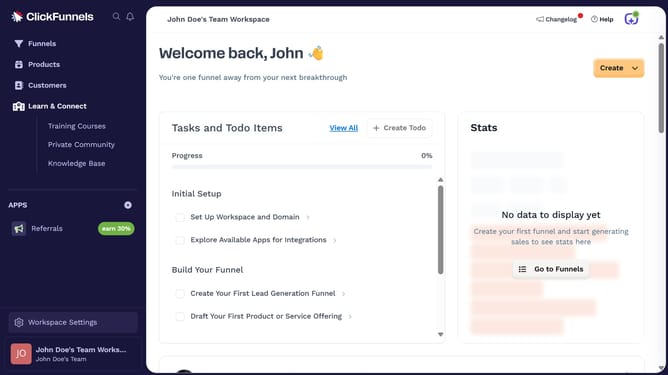
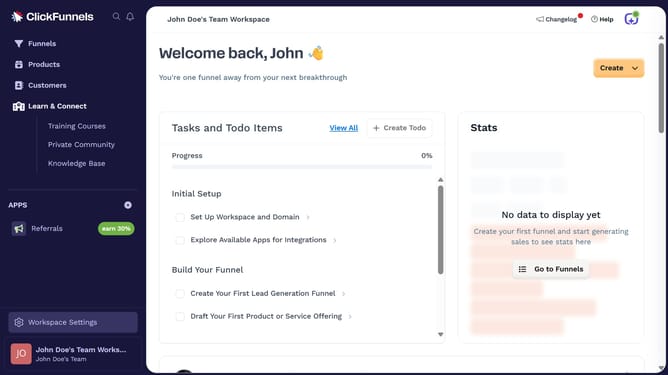
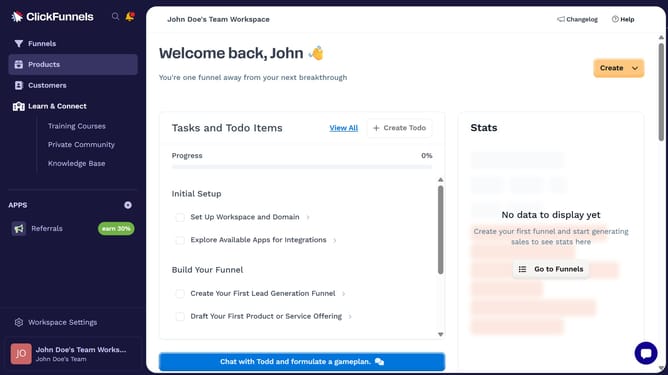
- First click on "Products" in the left sidebar menu
- Then click on "All Products" submenu item in the left sidebar
- Next click on "Create Product" button in the top right area of the main content
- Then click on "Digital" product type option in the create product modal dialog
- Next enter your product name in the Product Name field
- Finally click on "Create product" button at the bottom right of the modal dialog
Why should you create a digital product in ClickFunnels
ClickFunnels is a versatile marketing platform designed to simplify the process of creating sales funnels for online businesses.
One standout feature is its ability to help users create digital products quickly and efficiently. This elevates your business by allowing you to easily convert your ideas into revenue-generating products.
Utilizing ClickFunnels' user-friendly tools, you can save time and effort in product creation, ensuring a seamless experience for both creators and customers alike. Embracing this feature promotes ease and effectiveness, ultimately driving business growth.
Last update