How to check if a product is visible in the customer center in ClickFunnels
Here is how to check if a product is visible in the customer center in clickfunnels
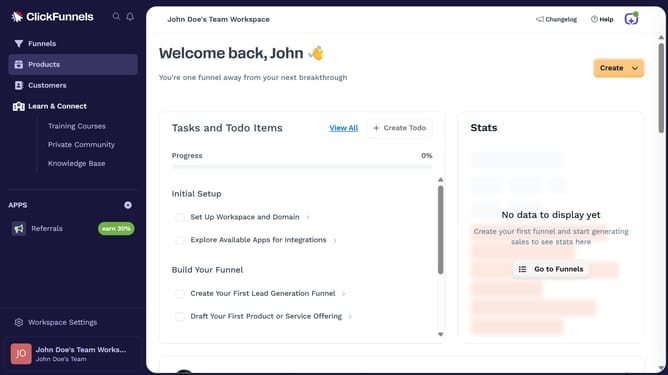
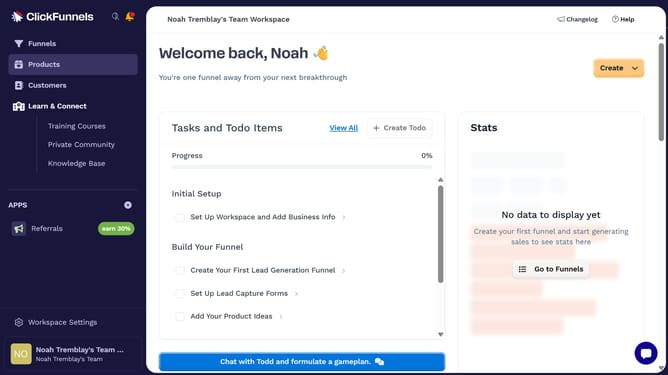
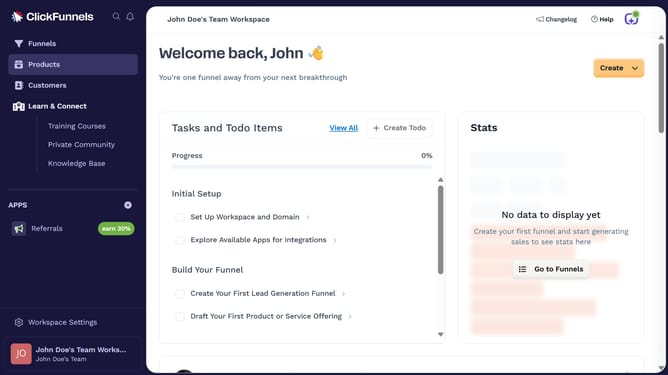
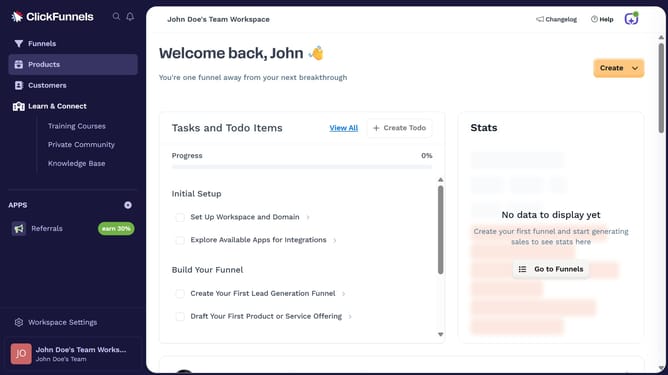
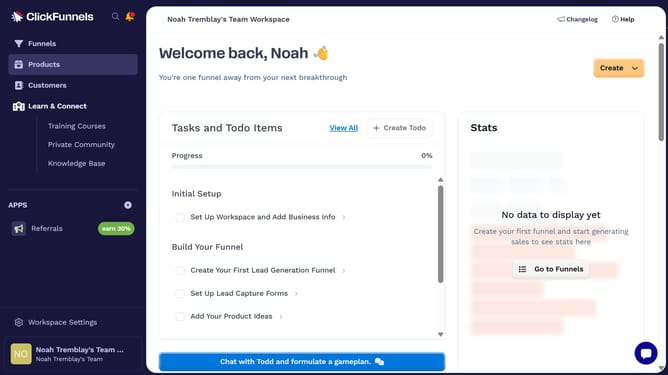
- First click on "Products" in the left sidebar to expand the products menu
- Then click on "All Products" submenu item in the left sidebar
- Next select the product you want to check
- Finally look at the "Online Store" visibility switch in the Sales Channel Visibility section to see if it is enabled
Why should you check if a product is visible in the customer center in ClickFunnels
ClickFunnels is a powerful tool designed to build marketing funnels quickly and efficiently.
Checking if a product is visible in the customer center within ClickFunnels ensures that your customers have access to the right information.
This feature streamlines customer interactions by making sure their purchasing history and available products are transparent and easy to navigate.
It not only enhances customer experience but also helps maintain an organized record, contributing positively to business operations.
Last update