How to remove AddEvent integration in ClickFunnels
Here is how to remove addevent integration in clickfunnels
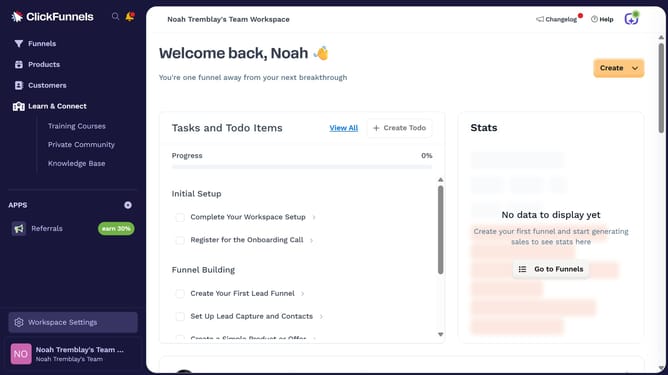
- First click on "Workspace Settings" link in the left sidebar
- Then click on "Integrations" menu item in the left sidebar under Workspace Settings
- Next click on the "AddEvent" integration card to view its details
- Then click on the "AddEvent Account" dropdown menu to view connected accounts
- Next click on the delete/trash icon button next to the account in the dropdown
- Finally click on the "Disconnect" button in the confirmation dialog to confirm disconnecting the account
Why should you remove AddEvent integration in ClickFunnels
ClickFunnels is a powerful tool designed to simplify the creation and management of sales funnels, helping businesses convert more leads into customers.
Removing the AddEvent integration in ClickFunnels can streamline your funnel management by reducing complexity and focusing on essential integrations.
It ensures that the tools you use are precisely tailored to your current goals, enhancing efficiency and user experience.
This approach contributes to a cleaner interface, making it easier to manage your sales funnel initiatives effectively.
Last update