How to disable tax collection for a product in ClickFunnels
Here is how to disable tax collection for a product in clickfunnels
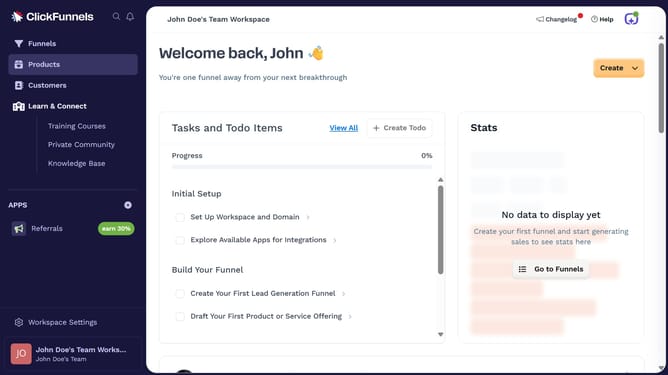
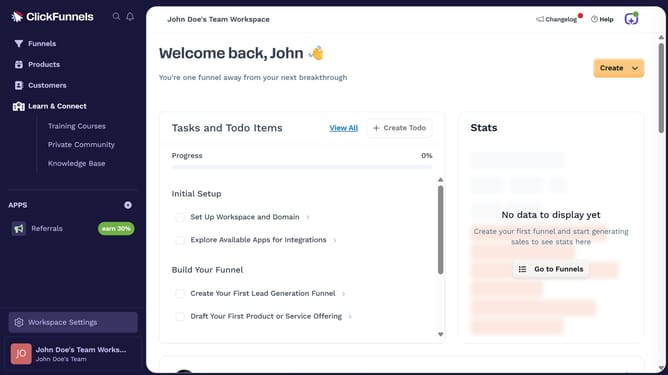
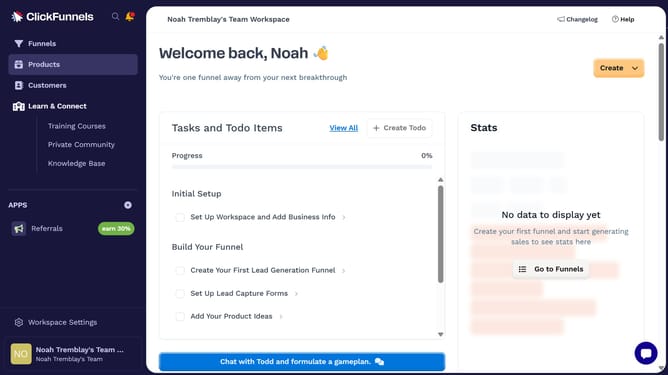
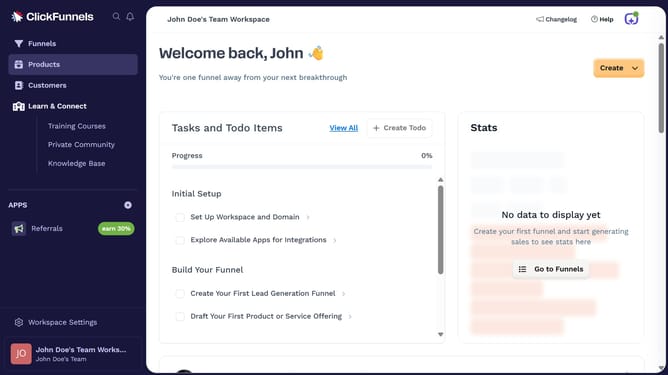
- First, click on the "Products" option in the left sidebar menu
- Then click on "All Products" in the Products submenu
- Next select the product you want to disable tax collection for from the products list
- Then uncheck the box for "Product is taxable" in the product settings
- Finally, click the "Update Product" button in the top-right corner of the page
Why should you disable tax collection for a product in ClickFunnels
ClickFunnels is a versatile platform designed to simplify online marketing and sales funnel construction.
For businesses that operate in tax-exempt regions or have specific tax strategies, the ability to disable tax collection on certain products in ClickFunnels is a valuable feature.
This functionality ensures compliance with local regulations while providing flexibility in managing product offerings to suit various market conditions.
Ultimately, it enhances the checkout experience, potentially boosting conversions by removing unnecessary steps.
Last update