How to reset product columns in product view in ClickFunnels
Here is how to reset product columns in product view in clickfunnels
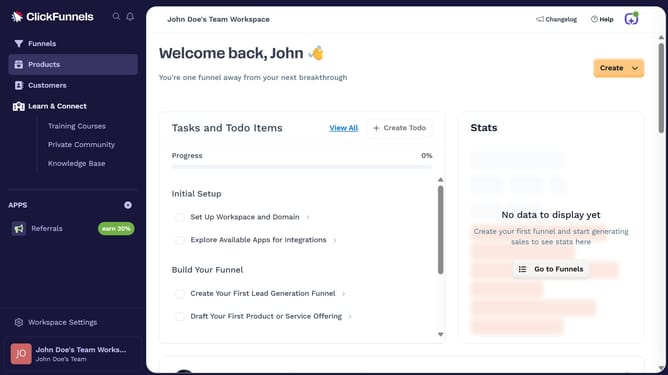
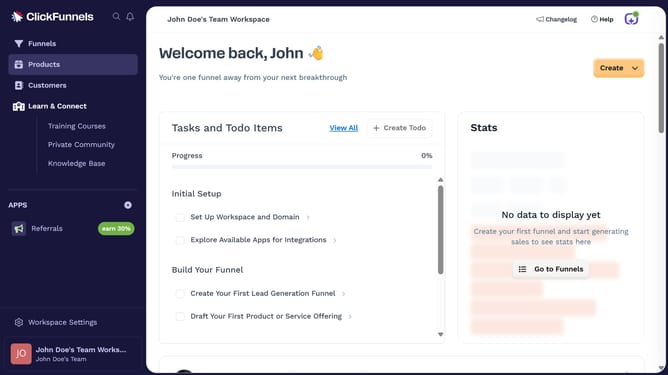
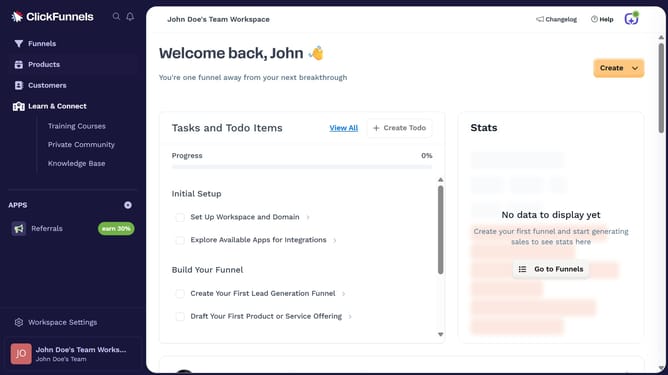
- First click on "Products" in the left sidebar to expand the products menu
- Then click on "All Products" submenu item in the left sidebar
- Next click on the "Modify columns" button in the top right area of the products table
- Finally click on "Reset Columns" option in the dropdown menu
Why should you reset product columns in product view in ClickFunnels
ClickFunnels is a dynamic platform designed to simplify and enhance online sales funnel creations.
Resetting product columns in product view within ClickFunnels is a beneficial feature for maintaining a well-organized and streamlined display of your products.
It allows users to declutter their view, offering them a fresh perspective and ensuring focus on relevant data without distractions.
This feature enhances productivity and accuracy, leading to better decision-making for your business.
Last update