How to link your ActiveCampaign account with ClickFunnels
Here is how to link your activecampaign account with clickfunnels
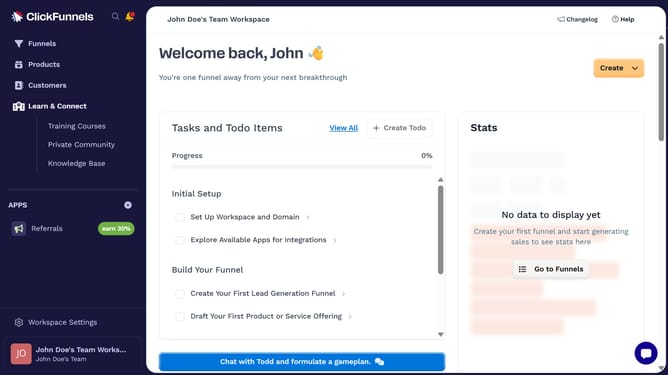
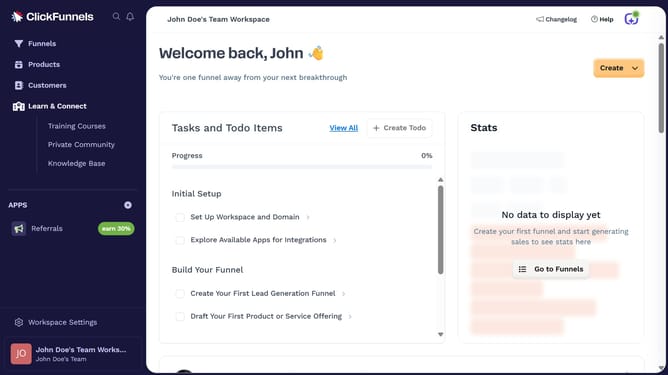
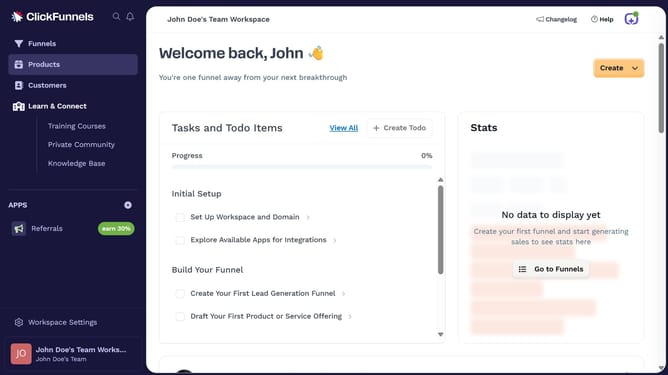
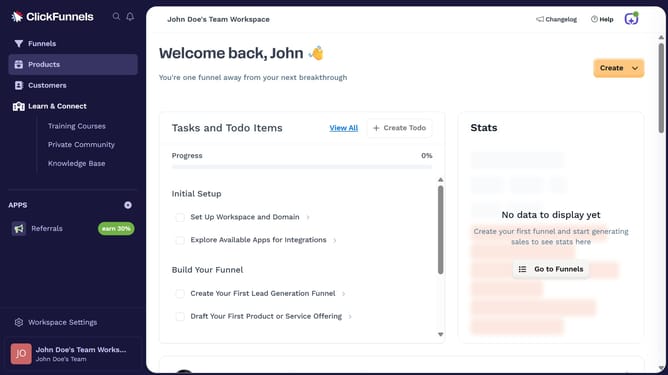
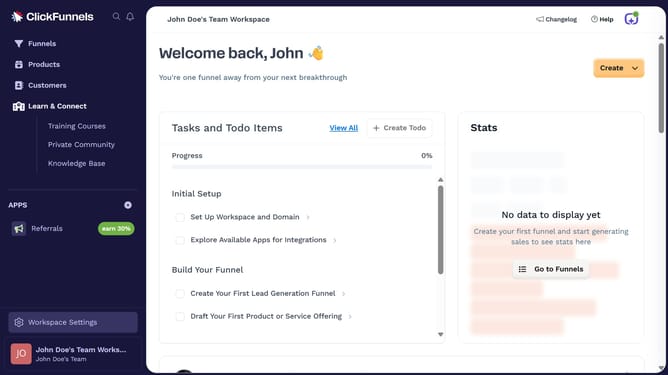
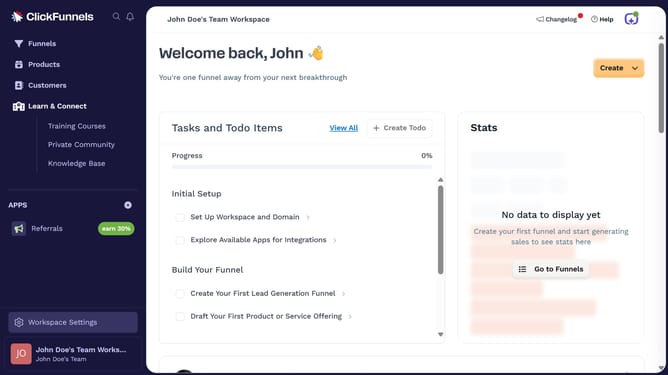
- First click on "Workspace Settings" button in the left sidebar
- Then click on "Integrations" menu item in the left sidebar under Workspace Settings
- Next click on "ActiveCampaign" integration card from the available integrations list
- Finally fill out the required fields in the connection form by entering the API URL and API key to complete the integration
Why should you link your ActiveCampaign account with ClickFunnels
ClickFunnels is a dynamic tool for building efficient sales funnels with ease.
Connecting your ActiveCampaign account with ClickFunnels is a game-changer for streamlining your marketing efforts.
Doing so allows for seamless integration, enabling synchronized communication and enhanced customer engagement.
This linkage not only optimizes the automation processes but also helps in efficiently tracking customer interactions, ultimately boosting your sales strategy's effectiveness.
Last update