How to toggle column visibility in ClickFunnels
Here is how to toggle column visibility in clickfunnels
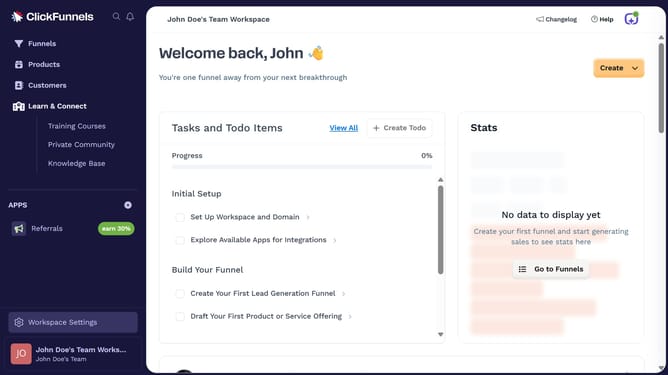
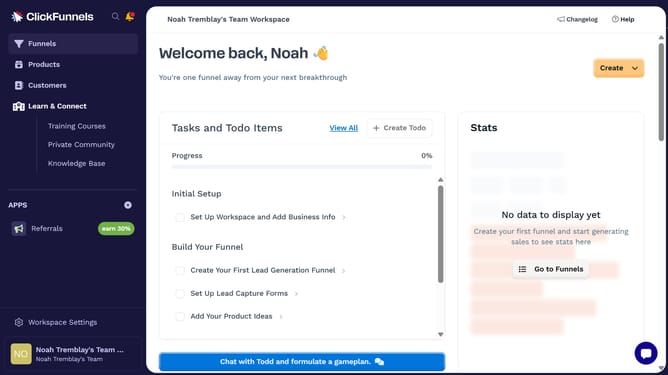
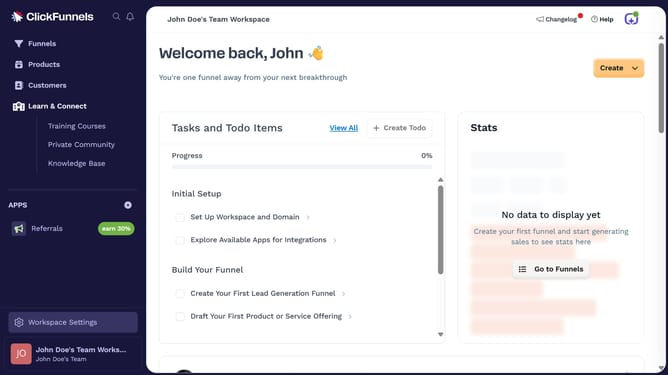
- First click on the "Funnels" item in the left sidebar navigation menu
- Then click on the "Modify columns" button in the top-right corner of the funnel table
- Finally toggle the visibility of any column by checking or unchecking it in the dropdown menu
Why should you toggle column visibility in ClickFunnels
ClickFunnels is a dynamic online platform designed to simplify the creation and management of sales funnels.
The ability to toggle column visibility in ClickFunnels is a feature that allows users to control what their audience sees, ensuring a streamlined and focused presentation.
This flexibility supports a cleaner design and enhances user experience by aligning the content display with the funnel's goals—leading to higher engagement and conversion rates.
Essential for any marketer, this feature empowers seamless content adaptation to diverse viewing preferences across devices and audiences.
Last update