How to delete a funnel in ClickFunnels
Here is how to delete a funnel in clickfunnels
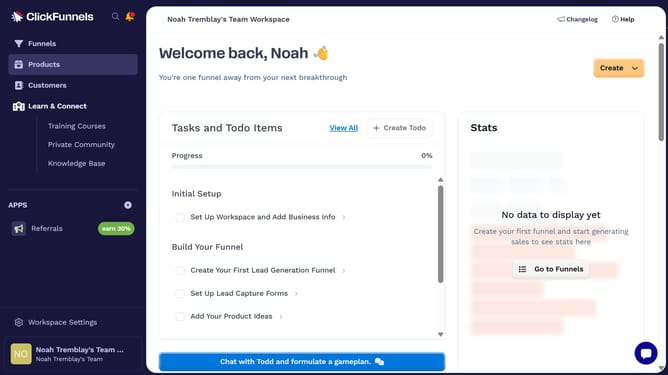
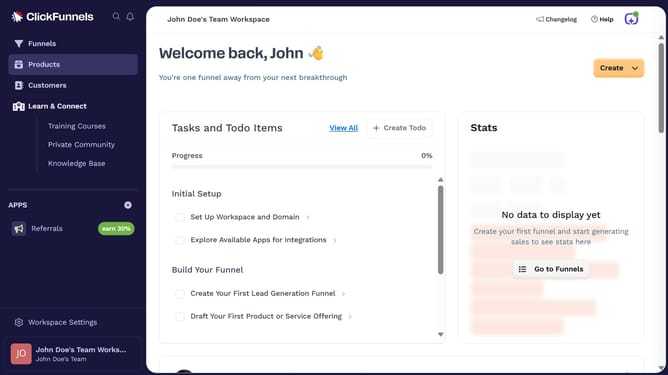
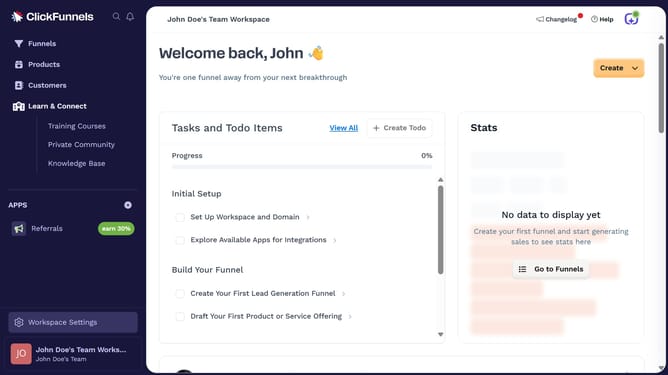
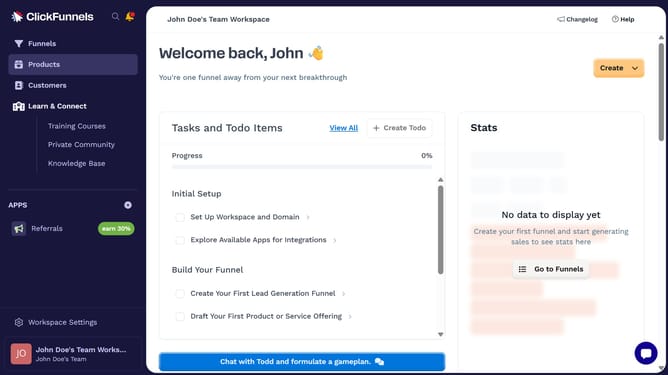
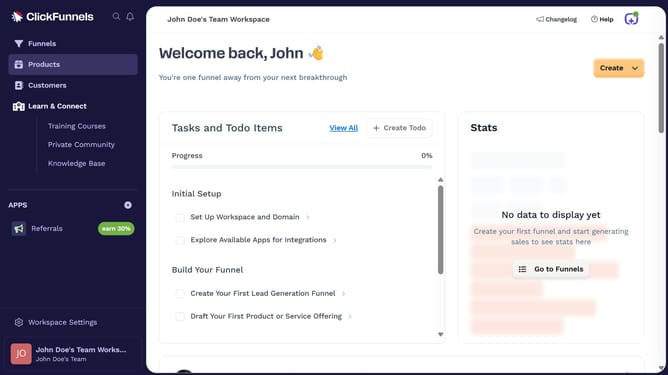
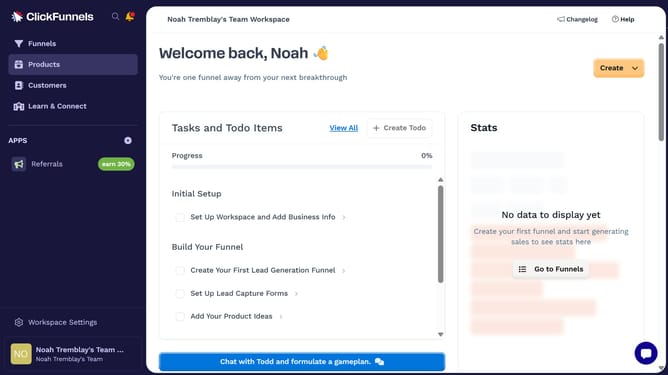
- First click on "Funnels" in the left sidebar navigation menu
- Then click the "Settings" button of the funnel you want to archive in the list
- Next click on "Archive Funnel" button at the bottom of the funnel settings page
- Finally click the "Proceed" button in the confirmation dialog box
Why should you delete a funnel in ClickFunnels
ClickFunnels is a powerful online platform designed to simplify the process of creating marketing and sales funnels for businesses.
Knowing how to efficiently delete a funnel in ClickFunnels ensures your dashboard remains organized and clutter-free.
This feature allows users to promptly remove outdated or unnecessary funnels, thereby streamlining their workflow and focusing on what's most effective.
Deleting funnels not only helps in maintaining order but also enhances productivity, giving users more space and clarity to manage their active marketing strategies.
Last update