How to disconnect Agile CRM from ClickFunnels
Here is how to disconnect agile crm from clickfunnels
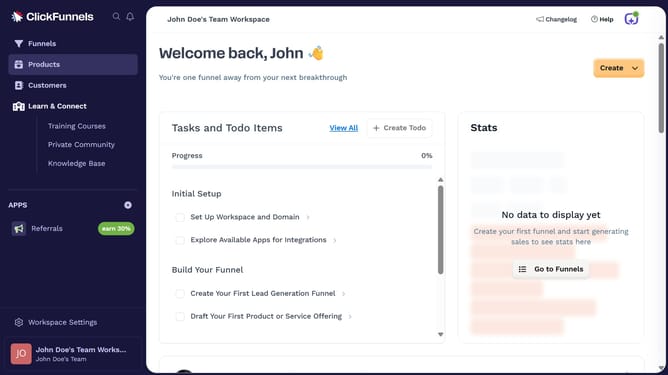
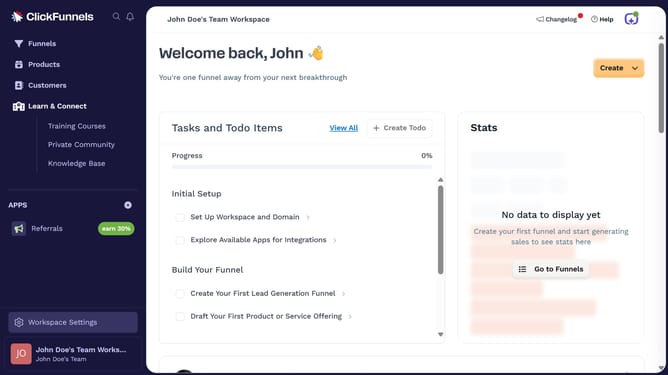
- First click on "Workspace Settings" link in the left sidebar
- Then click on "Integrations" menu item in the left sidebar
- Next click on "Agile CRM" integration card from the available integrations list
- Then click on the dropdown menu next to the Agile CRM Account field
- Next click on the delete icon button to remove the connected account
- Finally click on "Disconnect" button in the confirmation dialog
Why should you disconnect Agile CRM from ClickFunnels
ClickFunnels is a powerful tool designed to simplify the creation of effective sales funnels for businesses.
If you're looking to disconnect Agile CRM from ClickFunnels, it's typically for streamlining operations or realigning strategy. By disconnecting, you can optimize integrations and ensure your tools work harmoniously with your current objectives.
This flexibility allows for a more tailored approach to your marketing efforts, ensuring efficiency and a more focused customer engagement strategy.
Last update