How to integrate Salesmate with ClickFunnels
Here is how to integrate salesmate with clickfunnels
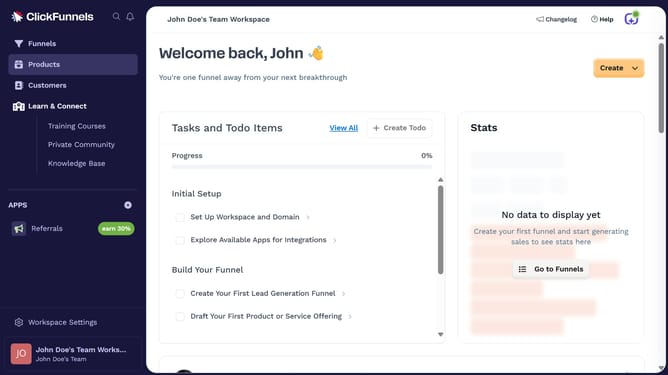
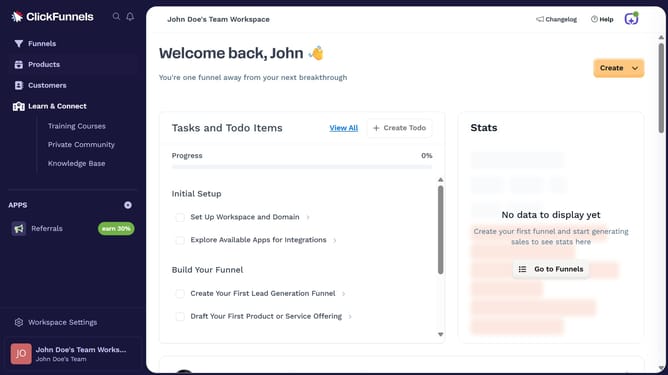
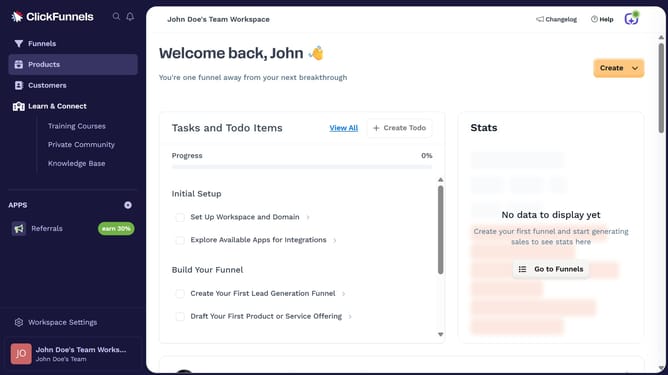
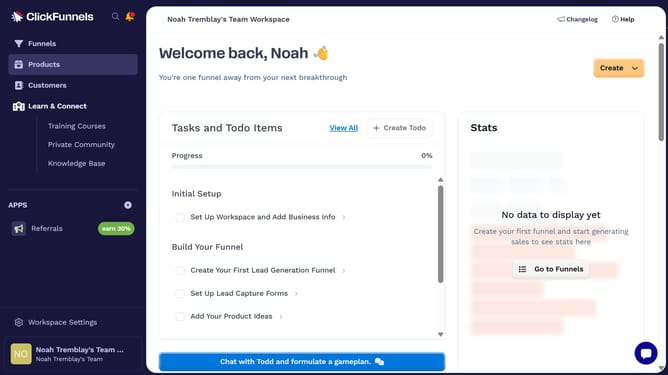
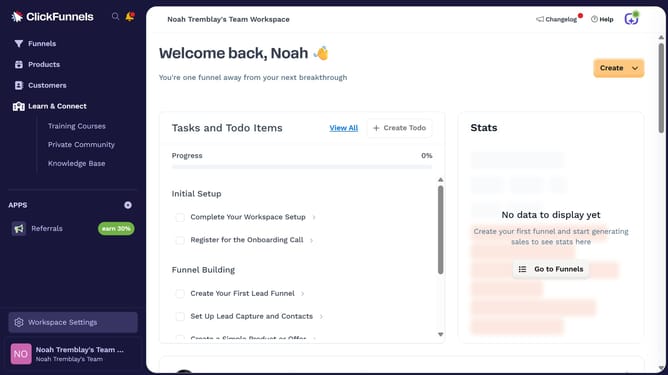
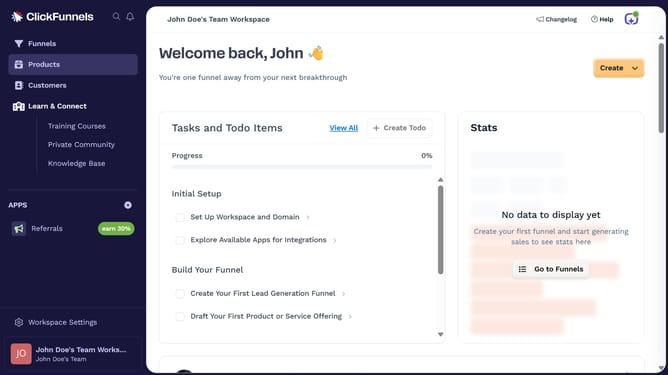
- First click on "Workspace Settings" in the left sidebar
- Then click on "Integrations" in the left sidebar menu
- Next click on the "Salesmate" integration card
- Finally enter your Salesmate URL and API key in the connection form, then click "Proceed" to complete the integration
Why should you integrate Salesmate with ClickFunnels
ClickFunnels is a powerful platform designed to simplify the creation of stunning sales funnels.
Integrating Salesmate with ClickFunnels amplifies your sales potential by seamlessly connecting your funnel-building capabilities with intuitive CRM tools.
This integration allows you to effortlessly manage leads, automate workflows, and enhance customer interactions, ensuring a smoother sales process.
By merging these robust features, you can improve efficiency, enhance customer relationships, and ultimately drive more conversions.
Last update