How to edit a product in ClickFunnels
Here is how to edit a product in clickfunnels
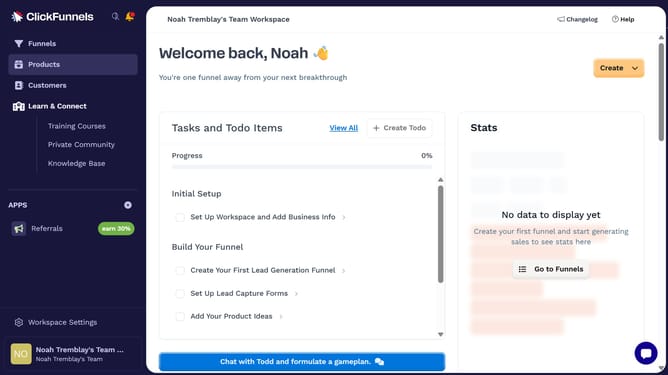
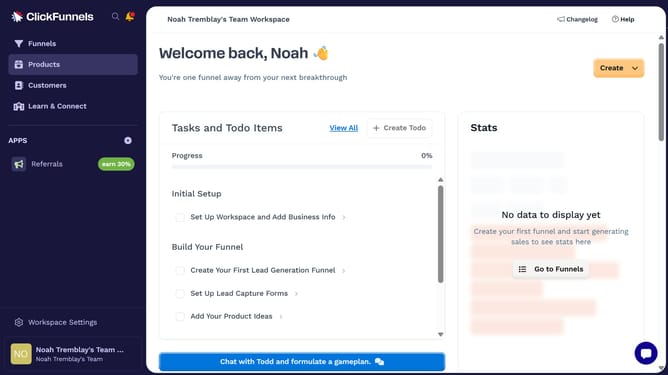
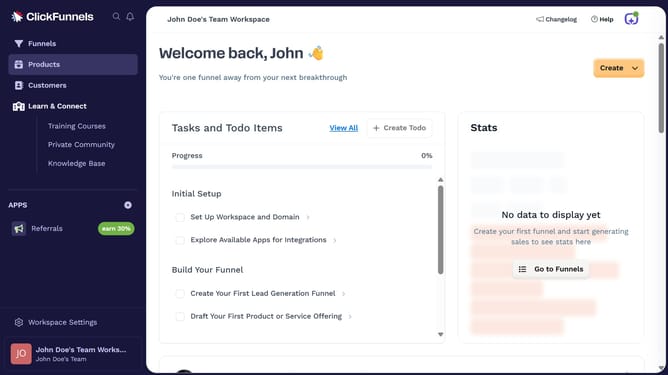
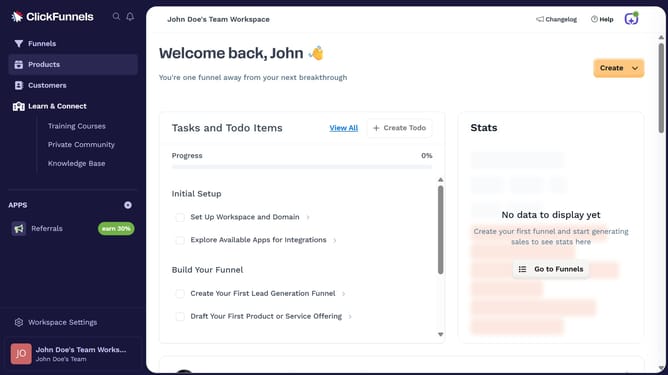
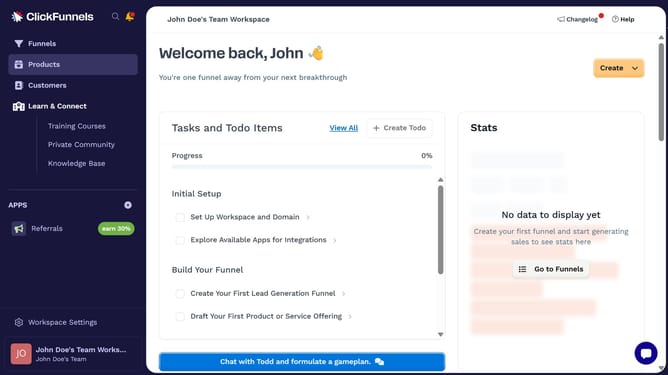
- First click on the "Products" section in the left sidebar menu
- Then click on the "All Products" submenu item under Products
- Next click on the product you want to edit from the products list
- Then make the necessary changes in the product settings panel
- Finally click the "Update Product" button in the top-right corner
Why should you edit a product in ClickFunnels
ClickFunnels is a versatile platform designed to simplify the creation of high-converting sales funnels for businesses.
The ability to edit a product in ClickFunnels allows users to customize their offerings with precision and ease. You can effortlessly adjust pricing, descriptions, and images to ensure your product resonates with your target audience.
Implementing these changes quickly can lead to increased conversions and customer satisfaction, ultimately enhancing your sales strategy.
With ClickFunnels' intuitive editing features, you maintain control over your product presentation, boosting your brand's effectiveness online.
Last update