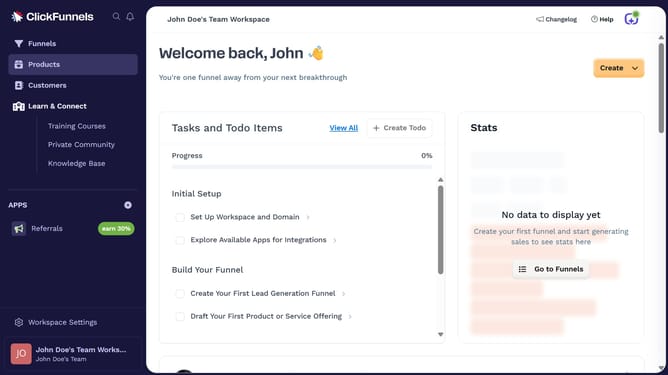
How to restore an archived product in ClickFunnels
Here is how to restore an archived product in clickfunnels
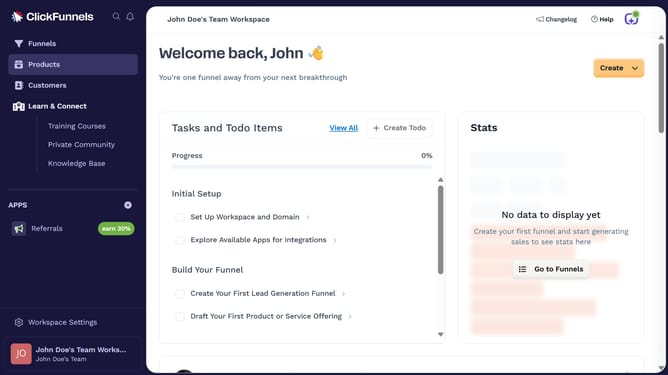
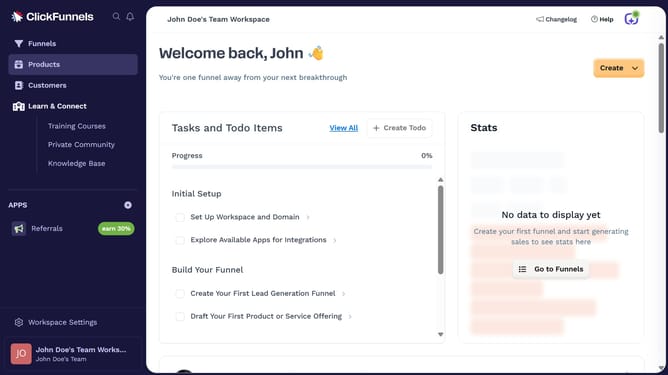
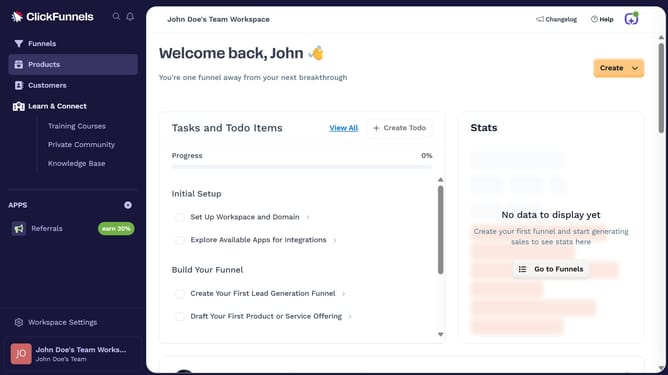
- First click on the "Products" option in the left sidebar menu
- Then click on "All Products" in the products submenu
- Next click on "Archived" tab in the products list view
- Next select the product you want to restore from the archived list
- Next click on the "Restore" button at the bottom of the product details page
- Finally click on "Confirm Restore" button in the confirmation dialog
Why should you restore an archived product in ClickFunnels
ClickFunnels is a powerful tool designed to streamline the creation and management of sales funnels for businesses of all sizes.
Being able to restore an archived product in ClickFunnels ensures that valuable product configurations and data are never permanently lost.
This feature speeds up the process of reactivating previously successful products, saving time on rebuilding.
Restoring archived products brings flexibility, allowing businesses to quickly adapt to market changes or promotional strategies.
Last update