How to integrate FreshBooks with ClickFunnels
Here is how to integrate freshbooks with clickfunnels
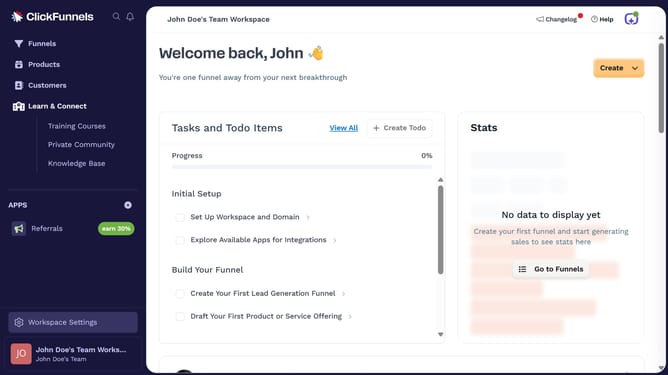
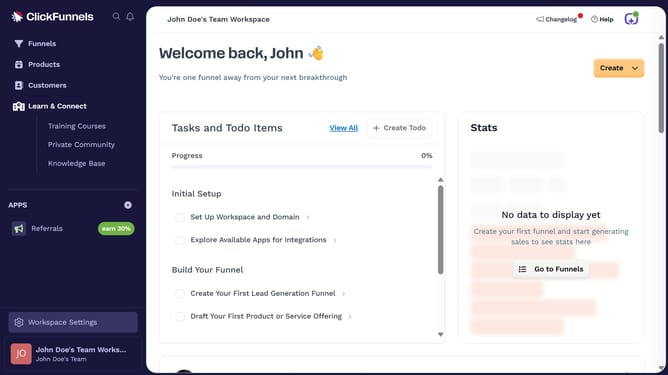
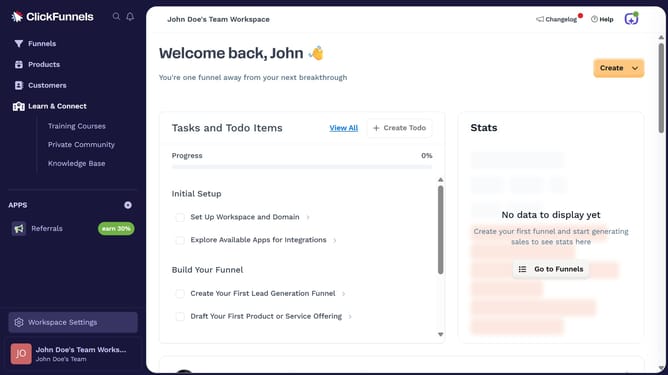
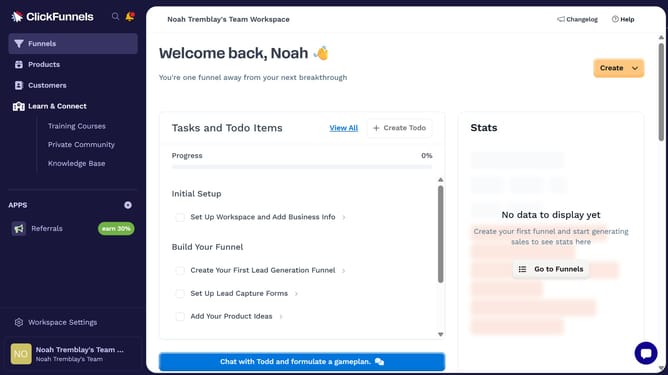
- First click on "Workspace Settings" button in the left sidebar
- Then click on "Integrations" menu item in the left sidebar
- Next click on "FreshBooks" integration card in the main content area
- Finally sign in using your email and password or choose to log in with Google or Apple in the connection form, then proceed to complete the integration
Why should you integrate FreshBooks with ClickFunnels
ClickFunnels is an intuitive platform designed to streamline the creation of effective sales funnels.
Integrating FreshBooks with ClickFunnels optimizes financial management by seamlessly coordinating your invoicing and funnel sales data.
This integration allows businesses to automate billing processes, reduce manual entry errors, and maintain accurate financial records.
Ultimately, this connection enhances workflow efficiency and frees up time for other important tasks, empowering businesses to focus on growth.
Last update