How to set a product as one-time payment in ClickFunnels
Here is how to set a product as one-time payment in clickfunnels
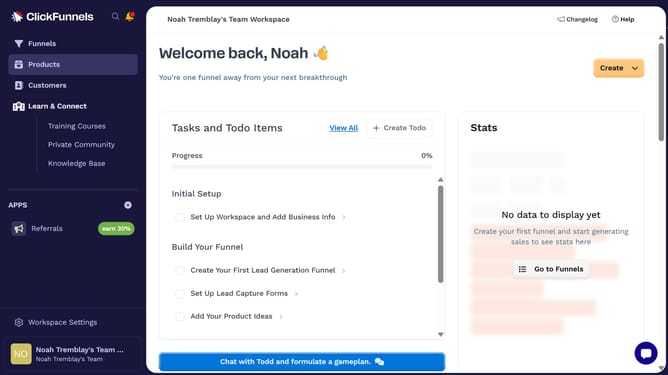
- First click on "Products" in the left sidebar navigation menu
- Then click on "All Products" submenu item under the Products section in the left sidebar
- Next select the product you want to set as a one-time payment
- Then click on "Add Price" button in the Pricing section
- Then click on "One time" tab in the Add price modal dialog
- Then click on the "Amount" input field and enter the price value
- Finally click on "Save" button at the bottom right of the Add price modal dialog
Why should you set a product as one-time payment in ClickFunnels
ClickFunnels is a powerful sales funnel builder designed to help businesses convert leads into customers efficiently.
Setting a product as a one-time payment in ClickFunnels is intuitive, allowing you to streamline your sales process.
Offering a one-time payment option can enhance customer satisfaction by providing clear pricing, reducing complexity in purchasing decisions.
This feature can significantly increase the transparency of your sales funnel, ultimately boosting your conversion rates and revenue growth.
Last update