How to add an existing domain in ClickFunnels
Here is how to add an existing domain in clickfunnels
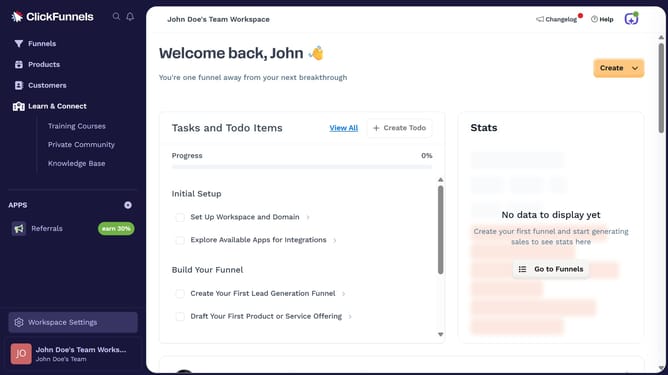
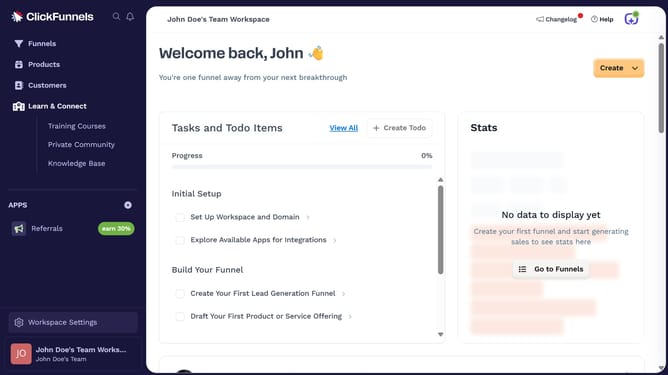
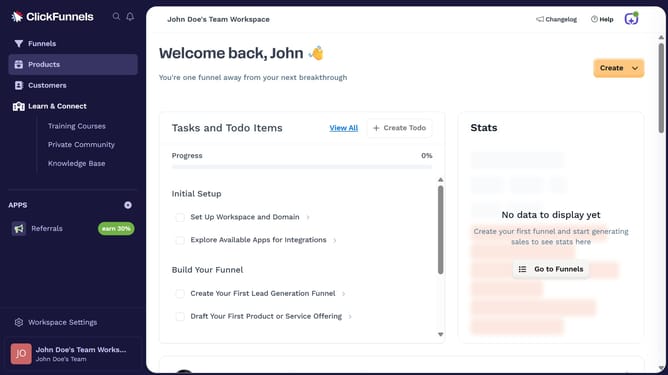
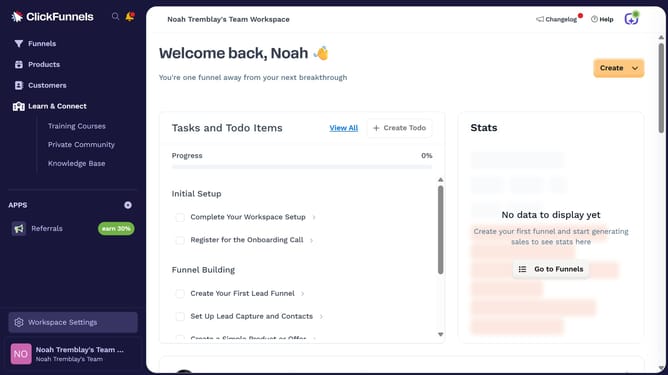
- First click on "Workspace Settings" link in the left sidebar
- Then click on "Domains" option in the Workspace Settings sidebar menu
- Next click on "Add Domain" button in the top right corner of the Domains page
- Then click on "Add an existing domain" option in the Add a Domain modal dialog
- Next enter the domain name in the domain input field on the Add Existing Domain form
- Then click on the "Continue" button to proceed
- Finally click on the "Continue with your domain" button to complete the setup
Why should you add an existing domain in ClickFunnels
ClickFunnels is a powerful platform designed to simplify the process of creating highly effective sales funnels for businesses.
By adding an existing domain to ClickFunnels, you can seamlessly integrate your current branding with the advanced functionalities ClickFunnels offers.
This feature enhances your online presence by ensuring consistency and professional appeal across all platforms.
Additionally, leveraging your existing domain can improve SEO performance, boost brand recognition, and foster customer trust.
Last update