How to mark a product as shippable in ClickFunnels
Here is how to mark a product as shippable in clickfunnels
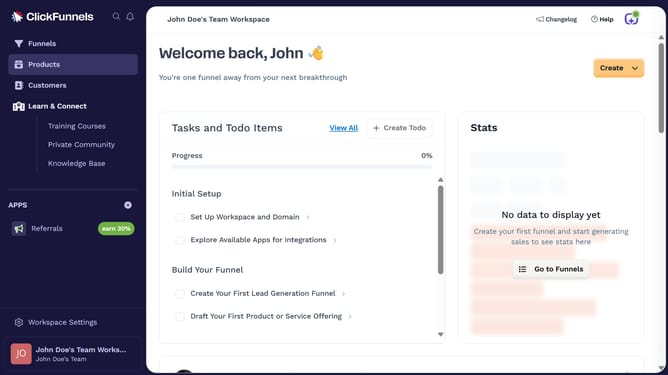
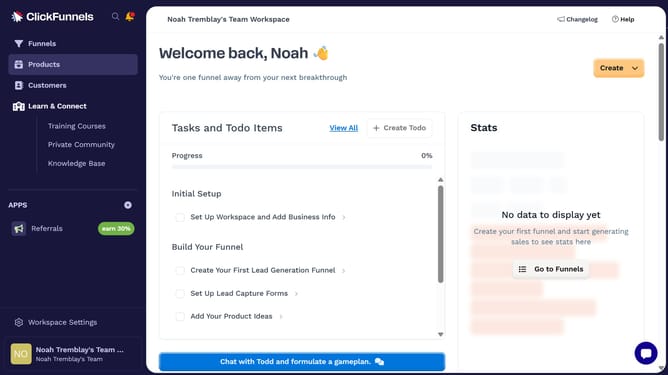
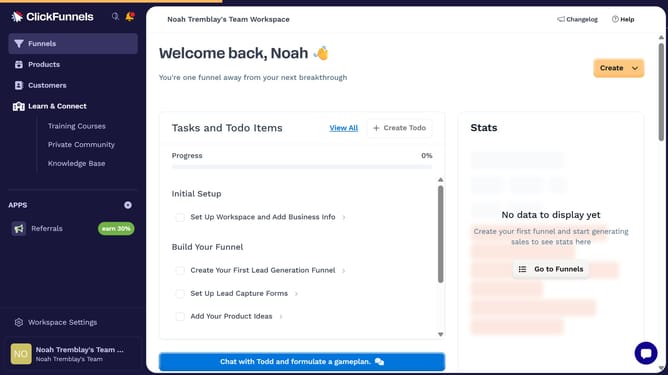
- First click on "Products" in the left sidebar menu
- Then click on "All Products" in the expanded Products submenu
- Next select the product you want to mark as shippable
- Then scroll to the Shipping section and check the box to mark it as a physical product
- Finally click on "Update Product" button in the top right corner
Why should you mark a product as shippable in ClickFunnels
ClickFunnels is a powerful tool designed to streamline the process of building sales funnels and optimizing conversion rates.
Marking a product as shippable in ClickFunnels enhances the overall functionality of your sales strategy by enabling seamless integration with fulfillment processes. This feature allows businesses to effortlessly manage physical product deliveries while maintaining customer satisfaction.
By using this feature, entrepreneurs ensure their e-commerce operations are efficient and reliable, ultimately boosting customer trust and increasing sales opportunities.
Last update